App store screenshot checker
File-level dimension and format feedback
Open tool → ASO Agency
Diagnose · Free · No signup
Find the problem. Stop guessing at the fix.
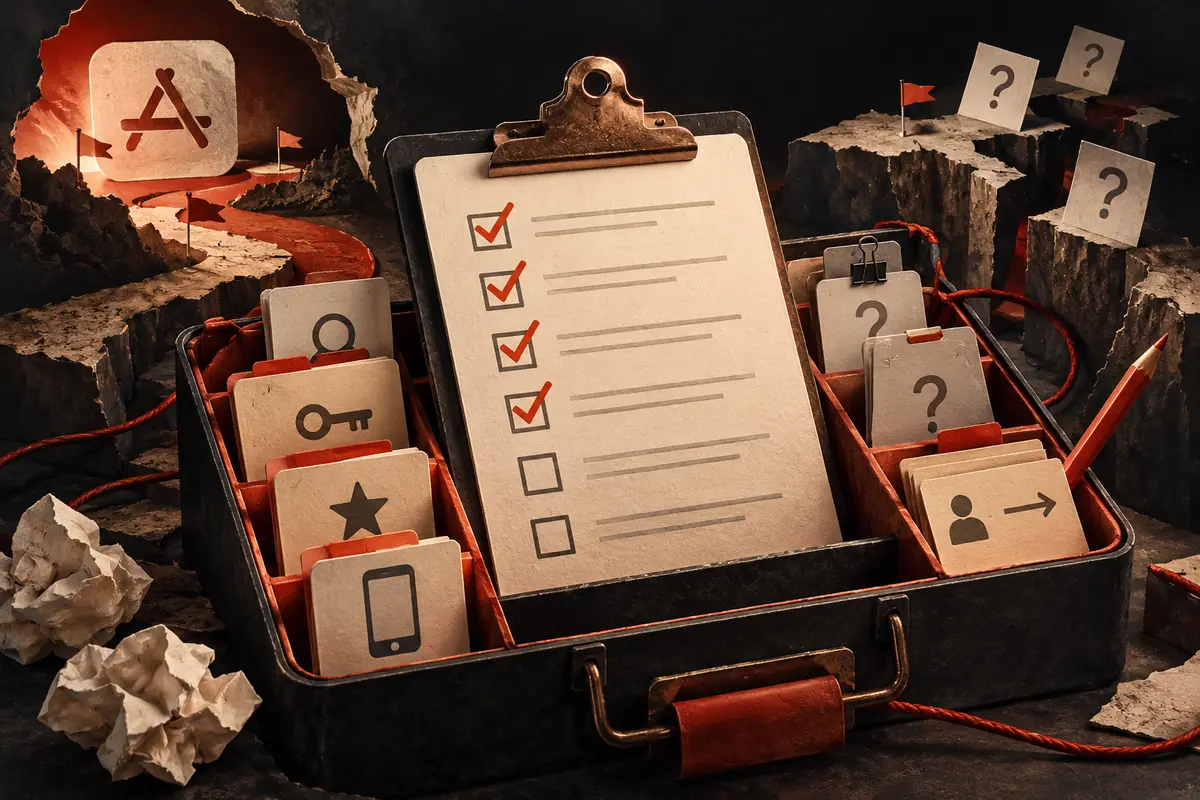
Record evidence, distinguish problems from unknowns, and export an audit worksheet for your app.
Your workbench
Drafts save on this device when browser storage is available. Export important results.
Opening your draft…
Only checks you have worked on appear here. Unreviewed checks remain open questions.
No findings in this group.
No findings in this group.
No findings in this group.
Worked example · illustrative
You cannot access conversion reports. Mark conversion evidence Unknown and name the person who can supply it.
Unknown is not a failure. Your next action is to get the evidence before claiming the screenshots do not convert.
If you cannot access conversion data, mark it Unknown and record who needs to provide it. An unknown is not a failed audit check.
Back to the tool ↑This is a self-assessment worksheet. It does not fetch your app or produce a measured ASO score.
Text and images are processed in your browser. Research tools share a locally saved research project; listing tools share a separate listing project. Other text tools save drafts on this device when browser storage is available; the screenshot checker keeps files in memory only. Clearing browser storage can erase saved projects. Export important work.
Yes. Contact Gabriel with your listing and question to discuss the scope. Tool use is free; professional consulting is agreed separately. No data is automatically shared when you click Contact.
Keep the work moving
File-level dimension and format feedback
Open tool →Start with an audit. Find the priorities before buying more work.
See how I work →