Listing Studio
A listing preview and review pack
Open tool → ASO Agency
Build · Free · No signup
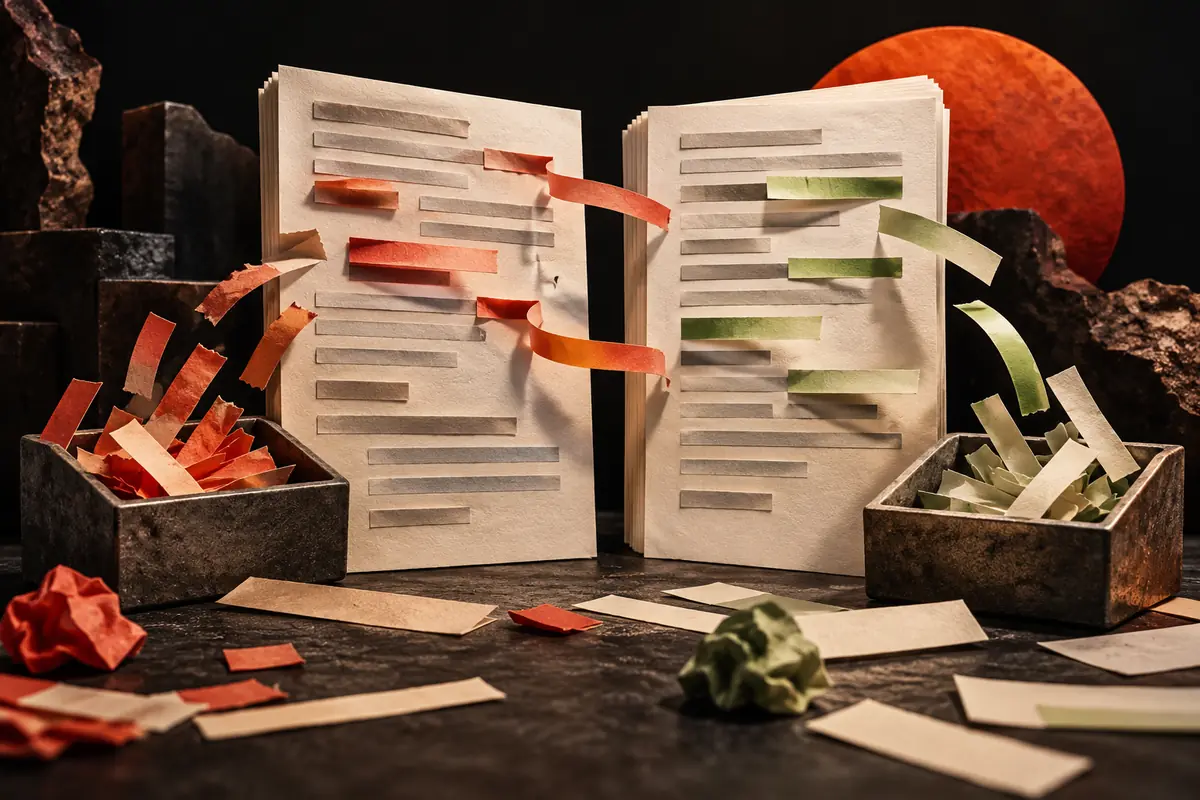
Changed the words? Show me why.
Compare listing drafts field by field, review added and removed terms, and export the change report.

Your workbench
Listing project · Saved in this browser and shared with the listing tools. Export a backup before clearing browser data.
Worked example · illustrative
The old subtitle says Your outdoor companion. The new one says Save photos from every hike.
The revision makes a clearer promise. The comparison identifies the change; relevance and results still need review.
Start a project or load the fictional Trail Notes example. Keep version A as your baseline, develop version B, then export the review pack and project backup.
Back to the tool ↑This is a planning and review workspace. Previews approximate store presentation; validate final assets in the store console.
Text and images are processed in your browser. Research tools share a locally saved research project; listing tools share a separate listing project. Other text tools save drafts on this device when browser storage is available; the screenshot checker keeps files in memory only. Clearing browser storage can erase saved projects. Export important work.
Yes. Contact Gabriel with your listing and question to discuss the scope. Tool use is free; professional consulting is agreed separately. No data is automatically shared when you click Contact.
Store requirements can change. Confirm your final fields and assets in the relevant console.
Keep the work moving
A listing preview and review pack
Open tool →A frame-by-frame designer brief
Open tool →Start with an audit. Find the priorities before buying more work.
See how I work →