ASO course · lesson 29 of 60
Google Play custom store listings: targeting and setup
Plan a targeted listing with explicit audience selection, fallback and maintenance rules.
By Gabriel Machuret · Editorial methodology
Before you start: A supported audience segment and the current default Play listing.
Module 5: Google Play execution
Plan about 50 minutes for reading, practice and review
You will produce: A custom-listing brief, routing test matrix and maintenance plan.
Understand the decision
Justify the variant with a real difference
A targeted listing is useful when a defined audience needs a different emphasis. Describe that difference before producing assets: a market-specific use case, a particular acquisition message or another supported segment. If the variant merely substitutes a few synonyms, maintenance may outweigh its value. Keep product truth and commercial conditions consistent with what the audience will actually receive.
Document selection and fallback
Current Play custom-listing features offer several targeting options; eligibility and configuration should be verified in the console. Record which users should see the variant, how the route will be tested and what appears when targeting does not apply. Language handling must be planned explicitly rather than assumed to inherit every translated default asset in the desired way.
Measure the intended population
A targeted audience may differ from default traffic before seeing any creative. Record source, locale and selection rules beside performance. Do not call the rate difference a creative uplift unless the design supports that inference. Keep a change log and maintenance owner for every variant so a default-listing update does not leave targeted audiences seeing obsolete product information.
Apply the method in practice
Start with a distinct supported audience
Choose a use case or acquisition context that needs a different emphasis from the main listing. Document the arriving user's expectation and the product capability that fulfills it. A journal page for photo memories can emphasize saved entries and images; it should not become a navigation page merely because a campaign uses hiking terms. Define why this audience deserves a separate listing and what information will tell you whether the targeted experience is useful.
Verify targeting and fallback in the current console
Google Play custom listings support platform-defined targeting options that can evolve. Read the current documentation and inspect eligibility before promising a routing arrangement. Record the selected criteria, language behavior and default fallback. Test the actual campaign or listing link, where applicable, rather than relying on a spreadsheet URL that has not been opened. Consider what happens when the viewer does not meet the intended criteria or uses an unsupported language. The fallback is part of the user experience, not an afterthought.
Interpret results with the targeting record
A targeted listing's visitors may differ from default-listing visitors in motivation and source. Keep those differences beside the performance report. A higher rate does not automatically prove that the creative should replace the default for everyone. Use an appropriate experiment when the decision requires a causal comparison. Assign maintenance and expiry responsibility so a campaign-specific offer does not persist after the campaign ends. Review targeted pages whenever product conditions or supported locales change.
Platform references for this work: Google Play — Custom store listings
Your step-by-step procedure
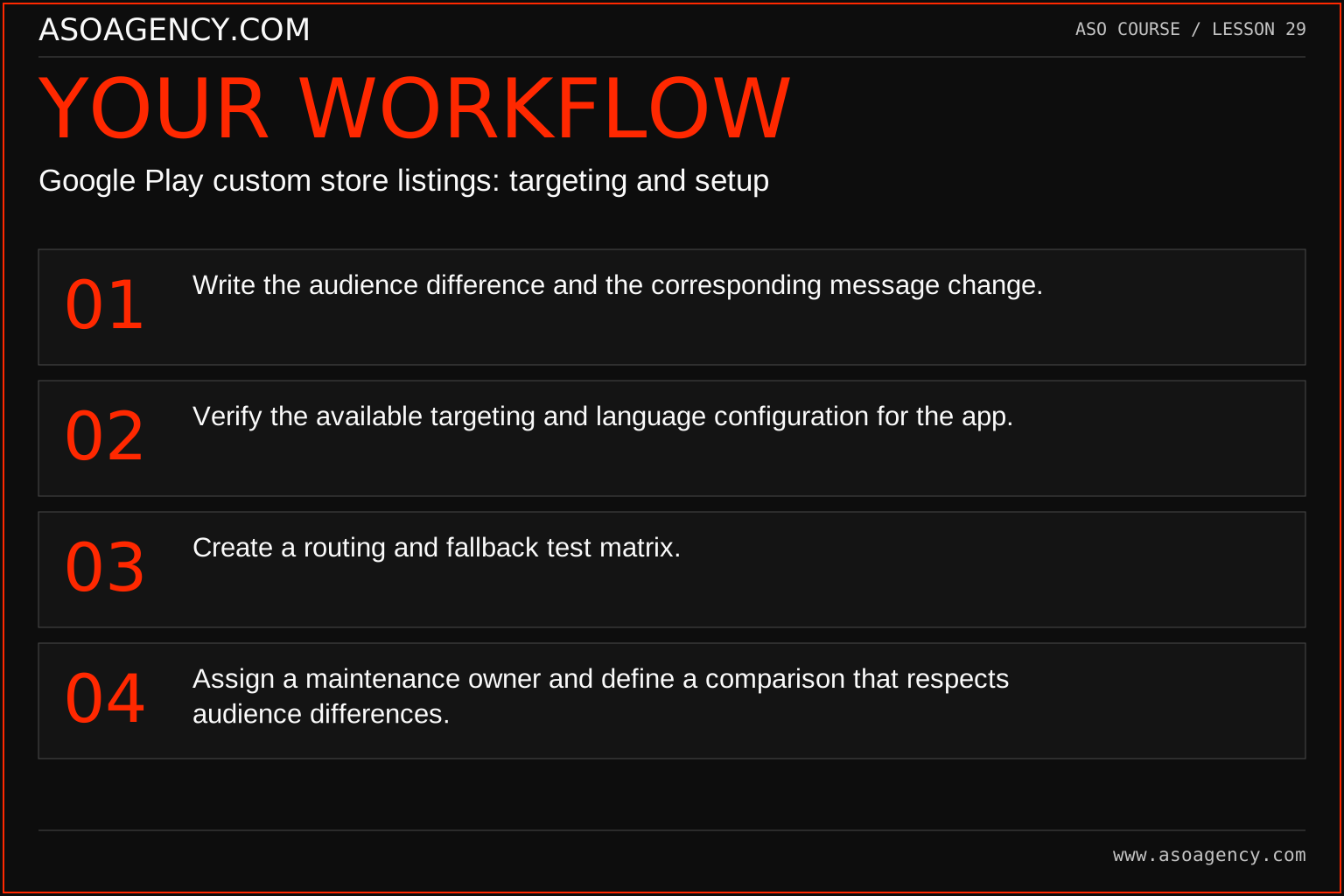
- Write the audience difference and the corresponding message change.
- Verify the available targeting and language configuration for the app.
- Create a routing and fallback test matrix.
- Assign a maintenance owner and define a comparison that respects audience differences.
Worked example and interpretation
Trail Notes and numerical research scenarios are fictional teaching examples. Platform limits, where shown, come from the linked official references.
Trail Notes prepares a listing for a campaign about recording a walking holiday. The variant emphasizes trip organization while keeping the same product limits. QA tests the campaign route and an ordinary visit outside that targeting. The team records which asset set appears in each case and does not assume a custom listing has replaced the default experience for everyone.
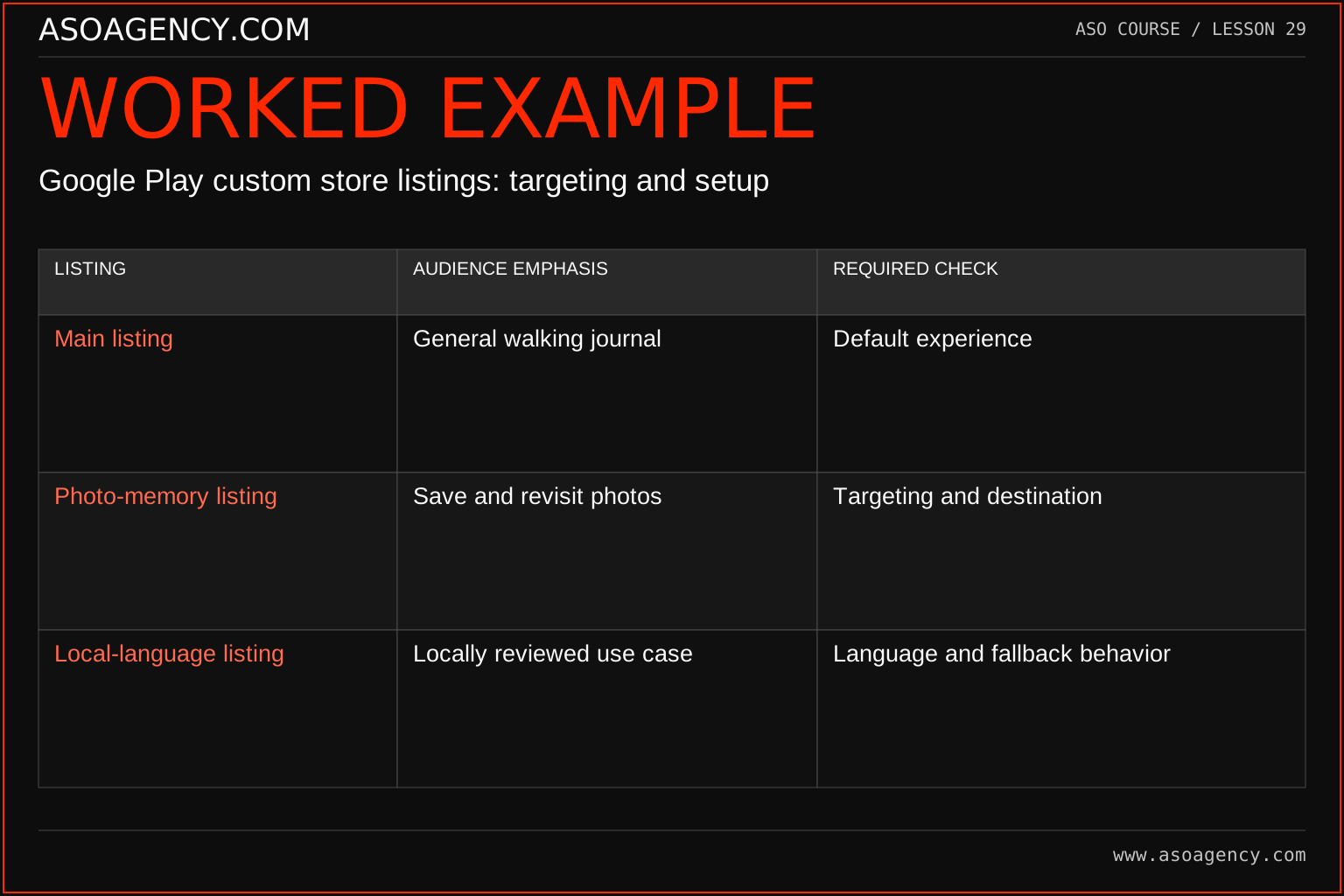
| Listing | Audience emphasis | Required check |
|---|---|---|
| Main listing | General walking journal | Default experience |
| Photo-memory listing | Save and revisit photos | Targeting and destination |
| Local-language listing | Locally reviewed use case | Language and fallback behavior |
The examples describe planning roles rather than guaranteeing a particular targeting feature for every account. The publisher must verify the current options and record what was actually configured. A result report without that configuration is incomplete because it cannot explain who saw the page. Keep the listing version, targeting and traffic context linked throughout the lifecycle, from brief to retirement.
Build a handover someone can use
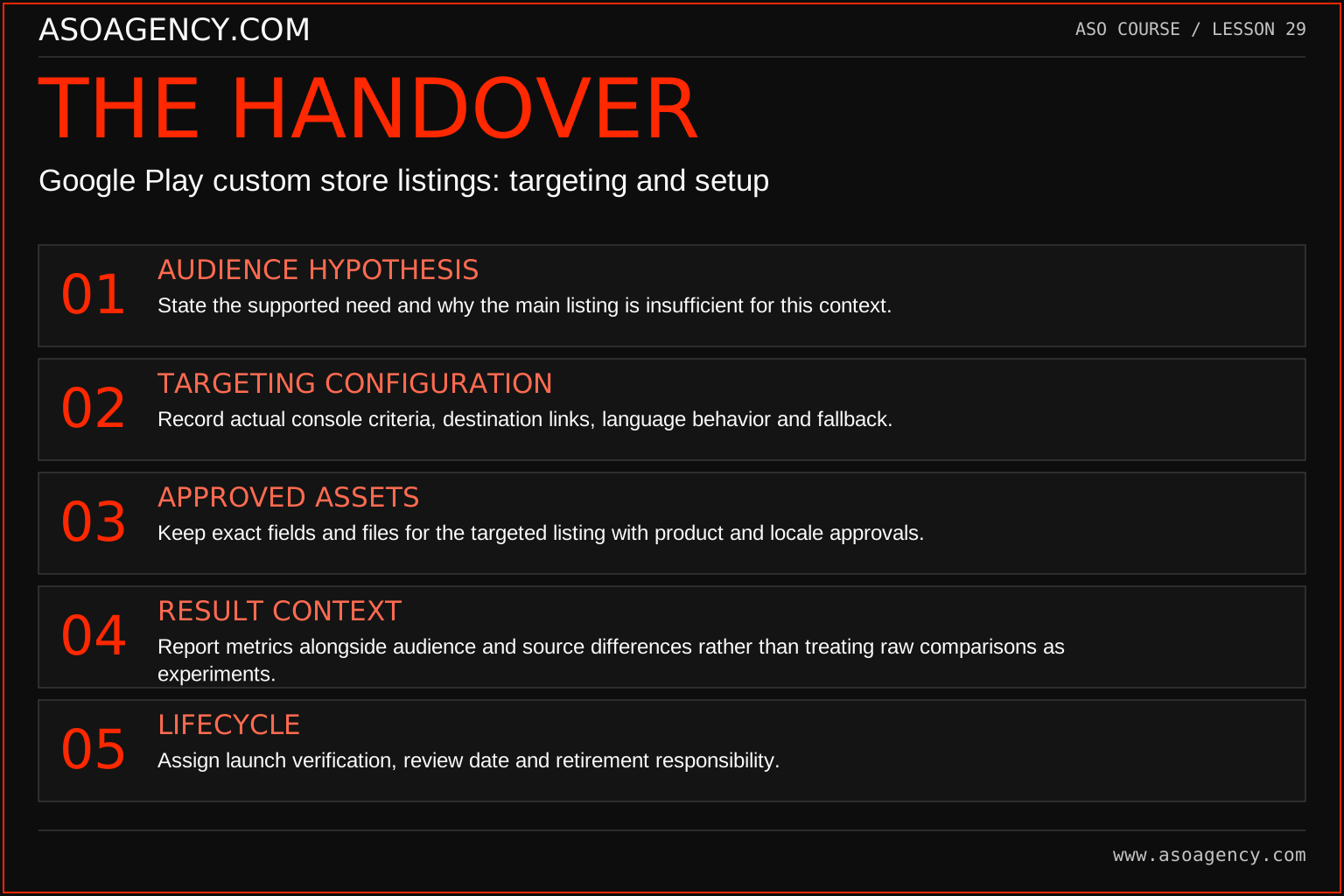
Audience hypothesis
State the supported need and why the main listing is insufficient for this context.
Targeting configuration
Record actual console criteria, destination links, language behavior and fallback.
Approved assets
Keep exact fields and files for the targeted listing with product and locale approvals.
Result context
Report metrics alongside audience and source differences rather than treating raw comparisons as experiments.
Lifecycle
Assign launch verification, review date and retirement responsibility.
Your ASO assignment
Use your own app and evidence, or work through the teaching case. Keep your observations separate from assumptions and explain the reasoning behind your decisions.
- Prepare one variant brief with an explicit audience and supported benefit.
- Create three routing test cases, including a fallback case.
- Write how you will maintain the variant after a product update.
Scenario challenge
A campaign ends but its custom listing still advertises a temporary offer. Identify the owner, correction and monitoring changes needed, and explain why campaign shutdown alone does not complete listing maintenance.
Assess your work
- Audience selection can be explained and tested.
- Locale and fallback behavior are explicit.
- Measurement does not confuse selection differences with creative causation.
Common mistakes to catch
- Publishing many variants without a maintenance owner.
- Assuming a targeted listing’s higher rate proves superior creative for all users.
Knowledge check
The default offer changes. What must happen to the custom listings?
Read the answer and reasoning
Review every affected variant against the new product and commercial truth, update the relevant assets and verify routing again. A targeted page is a maintained product surface, not a one-time campaign artifact that can safely be forgotten.
Sources and further reading
Platform references reviewed 29 September 2026. These sources support platform capabilities and constraints; the teaching frameworks, assignments and illustrative cases are original course material.
- Google Play — Custom store listings — Targeting configuration and custom-listing behavior.
Your ASO lesson notes
Use this space for your assignment, evidence and handover. Select Save to keep a draft in this browser, or download a copy to take with you.
Notes stay on this device and are not submitted to ASO Agency.
Complete your assignment with the ASO experiment planner.
Loading your progress…
Progress is saved only in this browser. It does not sync across devices. Mark a lesson complete after doing its exercise.