Download your lesson workbook · Open the assignment tool →
Your ASO learning objective
Arrange a screenshot sequence in which every position adds a useful part of the product argument.
- Step 1Assign a role to each position
- Step 2Connect the message to evidence
- Step 3Remove repetition and review order
Give each position a distinct responsibility
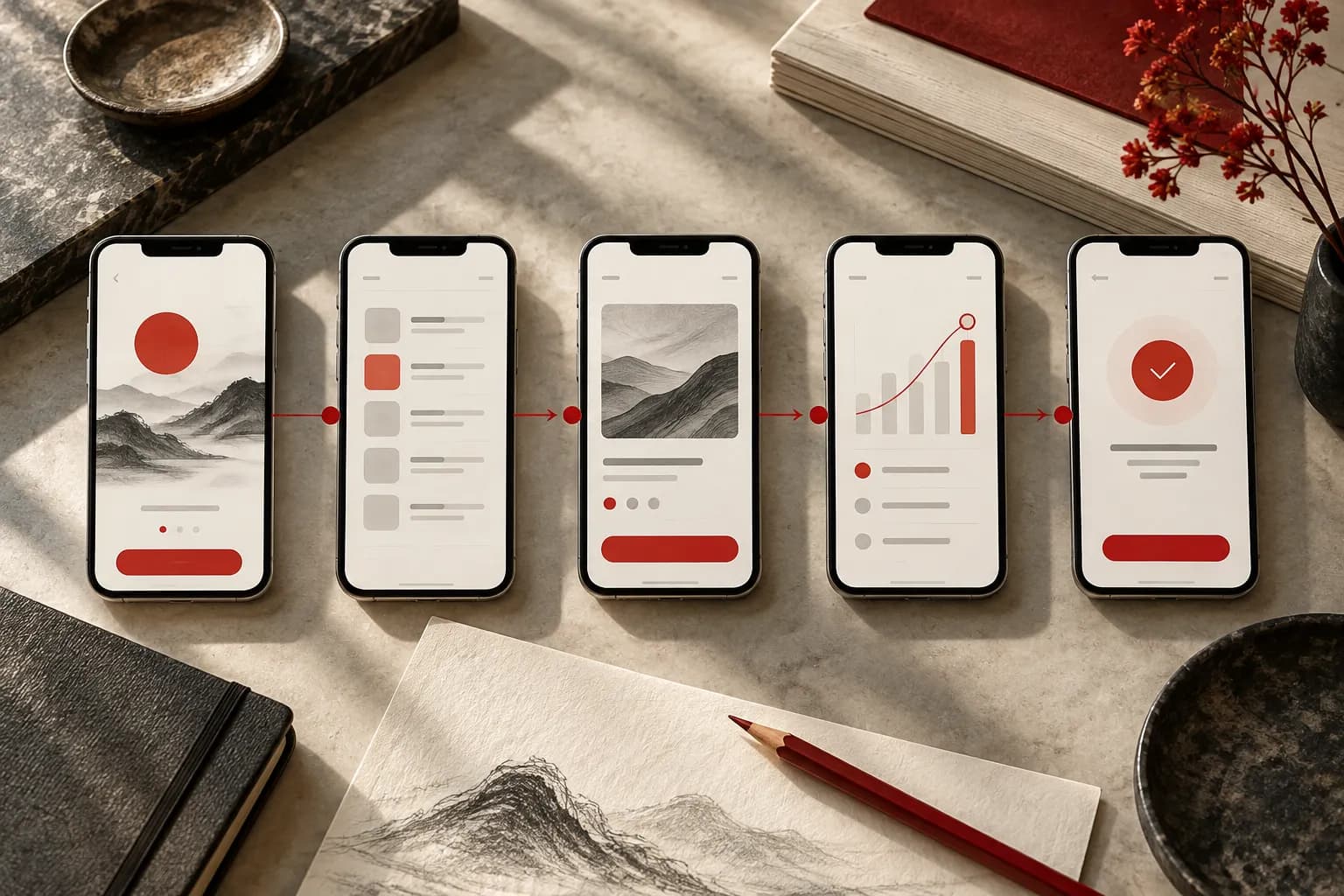
A sequence is more than a gallery of screens. Decide what the visitor needs to understand first, what proof makes that promise believable, and what later details reduce uncertainty. Useful roles include explaining the main job, demonstrating a key action, showing the result and addressing a relevant objection. These are planning roles, not a mandatory number or order for every app.
Create cards before producing polished images. Each card needs a message, an evidence reference and a visual instruction. Use the actual product screen name or state in the evidence field. ‘Show something premium’ leaves a designer to invent the argument; ‘show the saved walk with its date and two attached photos’ gives them a concrete starting point.
Review the sequence as a story and as fragments
Read the messages in order. Remove cards that simply repeat the same benefit in different words. Then inspect each card independently. A visitor may not examine every image, and different store contexts can expose only part of the sequence. Avoid making a later screenshot incomprehensible without a sentence that appeared several positions earlier.
Use the workspace's Move earlier and Move later controls to compare orders. Preserve the original in version A before changing version B. Record the reason for the new order so a reviewer can judge the intention. Do not mix a new order, new copy, different imagery and a new audience into one unexplained treatment.
Stop when the argument is complete
More screenshots are not automatically more persuasive. If the product argument is complete, use the remaining time to improve clarity and proof. Follow the current store requirements when preparing final assets. The planning tool limits the sequence for the selected store, while the separate screenshot checker helps inspect selected dimensions and formats.
Worked example: Trail Notes
This fictional hiking-journal app is the teaching project. Treat the example as a reasoning exercise you can adapt to your own evidence.
- Original draftThree cards repeat: ‘Save walks’, ‘Keep your walks’, ‘Store every walk’.
- Revised proposal1. Remember every walk → saved journal. 2. Keep the moments → photo and note entry. 3. Revisit your walks → dated history.
- Why it changesThe revised sequence explains purpose, action and later value. All three screenshots still belong to the same product promise instead of advertising unrelated features.
Your ASO assignment
- Create a three-to-five-card storyboard with a message, evidence and visual direction for each position.
- Copy version A to B before rearranging the sequence. Record why the second order might be clearer.
- Export the storyboard CSV and check that a designer could identify the required screen for every card without asking you to invent missing details.
Your handover and assessment criteria
Your work is ready for review when each deliverable below can be understood without a verbal explanation. Include the source or product reference, the decision owner and any unresolved evidence gap. If a reviewer cannot verify a claim, record the missing evidence before treating the proposal as approved.
- Deliverable 1Ordered storyboard for both versions
- Deliverable 2Screen references and visual instructions
- Deliverable 3Rationale for order and omitted features
Check your understanding
Two cards look different but communicate the same benefit. Must both stay?
Read the interpretation
No. Keep both only if each adds necessary evidence or addresses a distinct question. Otherwise consolidate them and use the space for a missing part of the product argument.
Record your progress
Mark this lesson complete after checking your assignment against the handover criteria. Progress stays in this browser, separately from your tool project.
Sources and further reading
Platform references checked 30 September 2026.