Download your lesson workbook · Open the assignment tool →
Your ASO learning objective
Create an opening message that communicates a specific benefit and can be supported by the image.
- Step 1Write three distinct candidate messages
- Step 2Pair each with a product screen
- Step 3Check the meaning with a new reader
Make the first message carry one job
The opening screenshot should help the right visitor recognize the app's purpose. Start with the desired outcome and then choose the product screen that supports it. Avoid packing the category, every feature, a slogan and a promotional claim into the same headline. The visitor should not need to assemble four fragments before understanding why the app is relevant.
Write several candidates before adjusting typography. Try a direct category statement, a benefit-led statement and a task-led statement. These are creative alternatives, not a universal hierarchy of effectiveness. A category statement can be clearer when the product is unfamiliar; a benefit statement can work when the category is already obvious.
Edit the claim and proof together
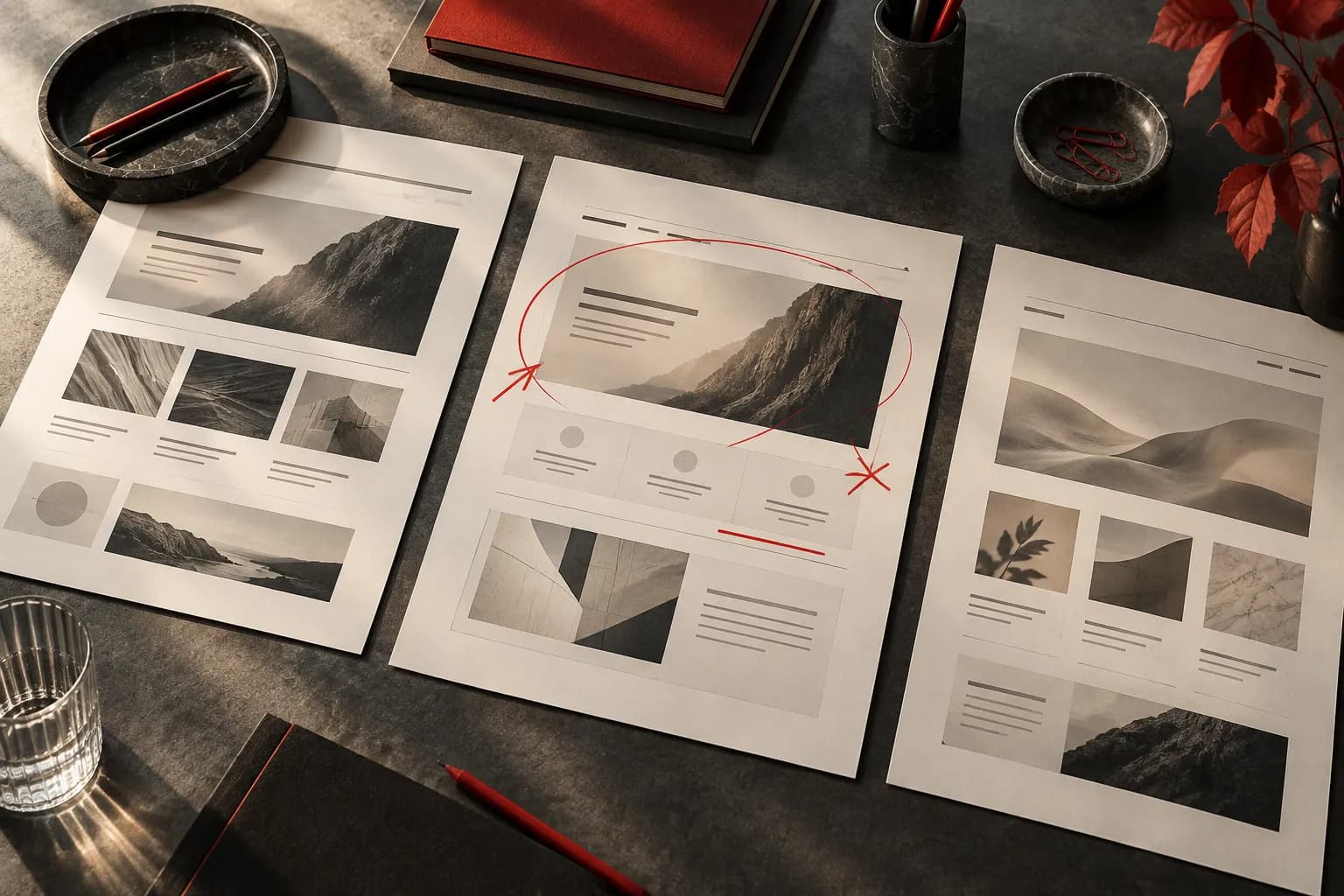
Read the headline without the screenshot, then inspect the screenshot without the headline. If each tells a different story, revise the pair. A claim about remembering walks should show recognizable journal content, not a decorative map unrelated to the product. Put the most relevant product state where a visitor can actually see it.
Remove empty adjectives and unqualified superiority claims. Replace ‘the ultimate solution’ with the specific task or outcome. Do not treat short copy as automatically good copy: removing the noun that explains the category may make a headline shorter but less useful. Keep a plain-language version as the control for the next review.
Review interpretation before celebrating polish
Ask someone unfamiliar with the product what they think the app does after a brief exposure. Record their words before explaining your intent. Misinterpretation is useful feedback, even if they say the design looks attractive. This exercise does not predict store conversion; it helps you detect a communication problem before production or a native experiment.
Worked example: Trail Notes
This fictional hiking-journal app is the teaching project. Treat the example as a reasoning exercise you can adapt to your own evidence.
- Original draft‘Elevate your adventure’ over an attractive mountain photo.
- Revised proposal‘Remember every walk’ above a saved journal entry with a photo, date and note.
- Why it changesThe second version connects an outcome to a visible product behavior. The mountain photo alone could advertise equipment, travel or navigation. Preserve both candidates if you need to compare audience interpretation.
Your ASO assignment
- Write category-led, benefit-led and task-led opening messages for your project.
- Choose two for versions A and B in the Storyboard Builder. Explain which interface state proves each.
- Document the expected interpretation and one possible misunderstanding before showing the concepts to a reviewer.
Your handover and assessment criteria
Your work is ready for review when each deliverable below can be understood without a verbal explanation. Include the source or product reference, the decision owner and any unresolved evidence gap. If a reviewer cannot verify a claim, record the missing evidence before treating the proposal as approved.
- Deliverable 1Three candidate headlines
- Deliverable 2Two selected headline-and-proof pairs
- Deliverable 3Selection rationale and review questions
Check your understanding
A reviewer calls the design ‘beautiful’ but thinks the journal is a route planner. Is the opening message ready?
Read the interpretation
No. The communication objective has not been met for that reviewer. Capture the specific misunderstanding, inspect the headline and visual cues, and revise the pair before treating aesthetic approval as success.
Record your progress
Mark this lesson complete after checking your assignment against the handover criteria. Progress stays in this browser, separately from your tool project.
Sources and further reading
Platform references checked 30 September 2026.