Free specialist ASO course · 10 lessons
App Store screenshot optimization course
Turn an unclear screenshot sequence into a documented creative proposal. Ten practical lessons take you from audience research to a complete storyboard, listing comparison and experiment handover.
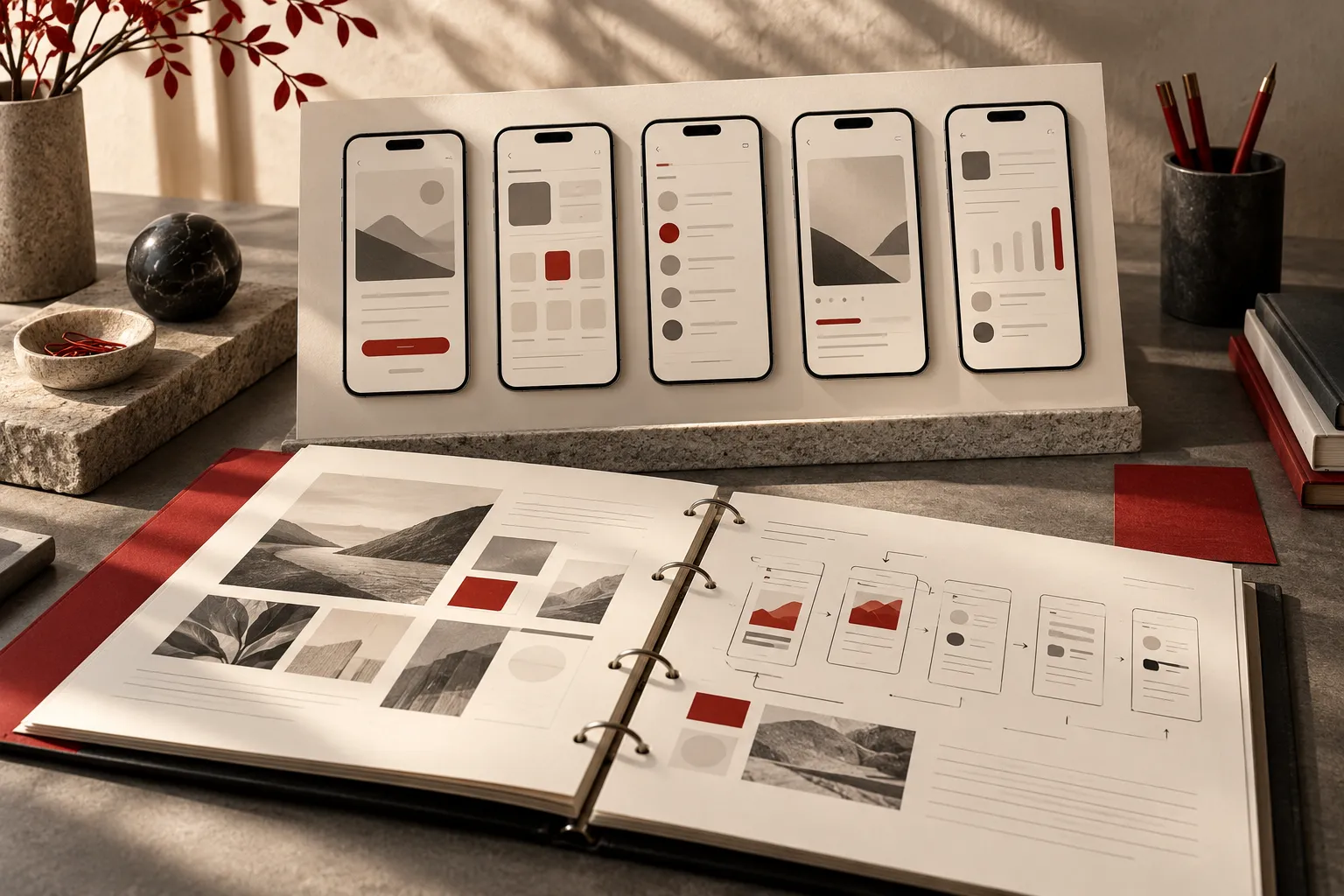
Your project: a review-ready screenshot proposal
Bring an app and current store listing, or use the fictional Trail Notes hiking journal. You will keep a baseline version, develop an alternative, connect every message to product evidence, and export a review pack. Allow around seven to eight hours including assignments; research on your own app may take longer.
Three tools, one saved project
Listing Studio previews your copy and images. The Storyboard Builder organizes messages and proof. The Metadata Comparator documents what changed. Export a backup to carry your project to another browser.
Who this course is for
App marketers, founders and designers who need to explain creative decisions and prepare assets for review. You do not need a paid ASO platform. For broader keyword, measurement and acquisition foundations, use the 60-lesson ASO course.
App Store Screenshot Strategy: Define the Right Objective
Write a scoped creative brief that names the audience, the misunderstanding to resolve and the evidence you need.
Open lesson →Lesson 2 · 45 minutes with practiceASO Screenshot Research: Find Your Audience’s Language
Build a small evidence table that connects audience language to a supported screenshot message.
Open lesson →Lesson 3 · 40 minutes with practiceApp Store Screenshot Copy: Write Your Opening Message
Create an opening message that communicates a specific benefit and can be supported by the image.
Open lesson →Lesson 4 · 50 minutes with practiceApp Store Screenshot Storyboard: Build a Clear Sequence
Arrange a screenshot sequence in which every position adds a useful part of the product argument.
Open lesson →Lesson 5 · 40 minutes with practiceASO Screenshot Claims: Show Credible Product Evidence
Audit every screenshot claim against a verifiable product capability and resolve unsupported promises.
Open lesson →Lesson 6 · 45 minutes with practiceApp Store Screenshot Design: Check Mobile Readability
Review a finished sequence at realistic display sizes and create a specific revision list.
Open lesson →Lesson 7 · 40 minutes with practiceASO Listing Comparison: Review Screenshots and Metadata
Compare two proposals without losing the original, and document what changed and why.
Open lesson →Lesson 8 · 50 minutes with practiceApp Store Screenshot Localization: Adapt the Message
Prepare one localized version with a reviewable message, layout and product-language brief.
Open lesson →Lesson 9 · 50 minutes with practiceASO Screenshot A/B Testing: Design a Focused Experiment
Write an experiment brief with an isolated treatment, defined metric and a defensible interpretation plan.
Open lesson →Lesson 10 · 45 minutes with practiceASO Screenshot Handover: Deliver a Complete Creative Brief
Export a complete listing review pack that another person can implement and review without guessing.
Open lesson →How you assess your work
Each lesson includes three instructional diagrams, a worked example, an ASO assignment, a handover checklist, a self-check and a downloadable workbook. Completion is self-recorded. The final assessment is whether another person can understand, verify and produce your proposed sequence from the brief.
Sources and examples
Platform references were checked on 30 September 2026 and are linked beside the relevant lessons. Trail Notes and its scenarios are fictional teaching examples. Store documentation establishes submission rules; the course provides an original planning and review method.
Need feedback on your actual listing? Explore ASO audits and team training.