ASO course · lesson 48 of 60
App review management: responses and product feedback
Create a review-response workflow that resolves issues and informs listing decisions.
By Gabriel Machuret · Editorial methodology
Before you start: The review-research method and accountable product/support contacts.
Module 8: Localization and customer feedback
Plan about 50 minutes for reading, practice and review
You will produce: Module project: a localization pilot plan plus an accountable review-response and feedback procedure.
Understand the decision
Respond to the actual issue
A useful reply acknowledges the specific experience, offers a truthful next step and avoids exposing private account information. Do not promise a fix date unless it is confirmed. Public responses are visible to future readers, so defensive arguments and generic keyword-heavy replies can undermine trust. Use an appropriate private support channel for information that should not be discussed publicly.
Route and track themes
Tag the issue, affected version if known, owner and follow-up status. Distinguish support resolution from a product change and from a listing correction. A review about unexpected paid access may require clearer acquisition messaging; a failed save needs engineering investigation. The process should produce a traceable action, not simply a higher response count.
Close the loop after changes
When a fix or clarification ships, update the internal record and respond appropriately where the platform and context permit. Do not claim a problem is solved merely because a ticket closed. Verify the relevant behavior and look for recurring complaints. Feed validated language and expectation insights back into the keyword map, creative brief and localized glossary.
Apply the method in practice
Respond to the issue the person actually raised
Read the review, version context and any known incident before drafting. Acknowledge the specific problem in plain language. If the team has a verified fix, state what changed without promising an outcome you cannot confirm for that user. If more detail is needed, direct them to an appropriate support channel without requesting personal information publicly. Avoid generic promotional replies, arguments about the rating or requests to raise the score. The response should help the person and future readers understand the next step.
Connect public feedback to internal work
Give recurring issues a theme and owner. Link relevant review IDs to a product investigation, documentation update or listing correction. Track whether the issue is verified, fixed, awaiting information or no longer reproducible. A reply is not the same as resolution. If many users misunderstand a promise, inspect the listing and onboarding rather than sending the same explanation indefinitely. Keep review themes connected to the evidence process from the research module.
Close the loop accurately
After a fix, confirm the released version and update the public response where appropriate. Do not say “fixed” merely because a ticket was closed or code was merged. Check that the change reached affected users and that support has a clear explanation. Review the backlog periodically for repeated unresolved themes. The final learning may be a product improvement, a clearer claim or a better support path; it should not disappear into a report that only counts replies sent.
Platform references for this work: Apple — Ratings and reviews · Google Play — Analyze ratings and reviews
Your step-by-step procedure
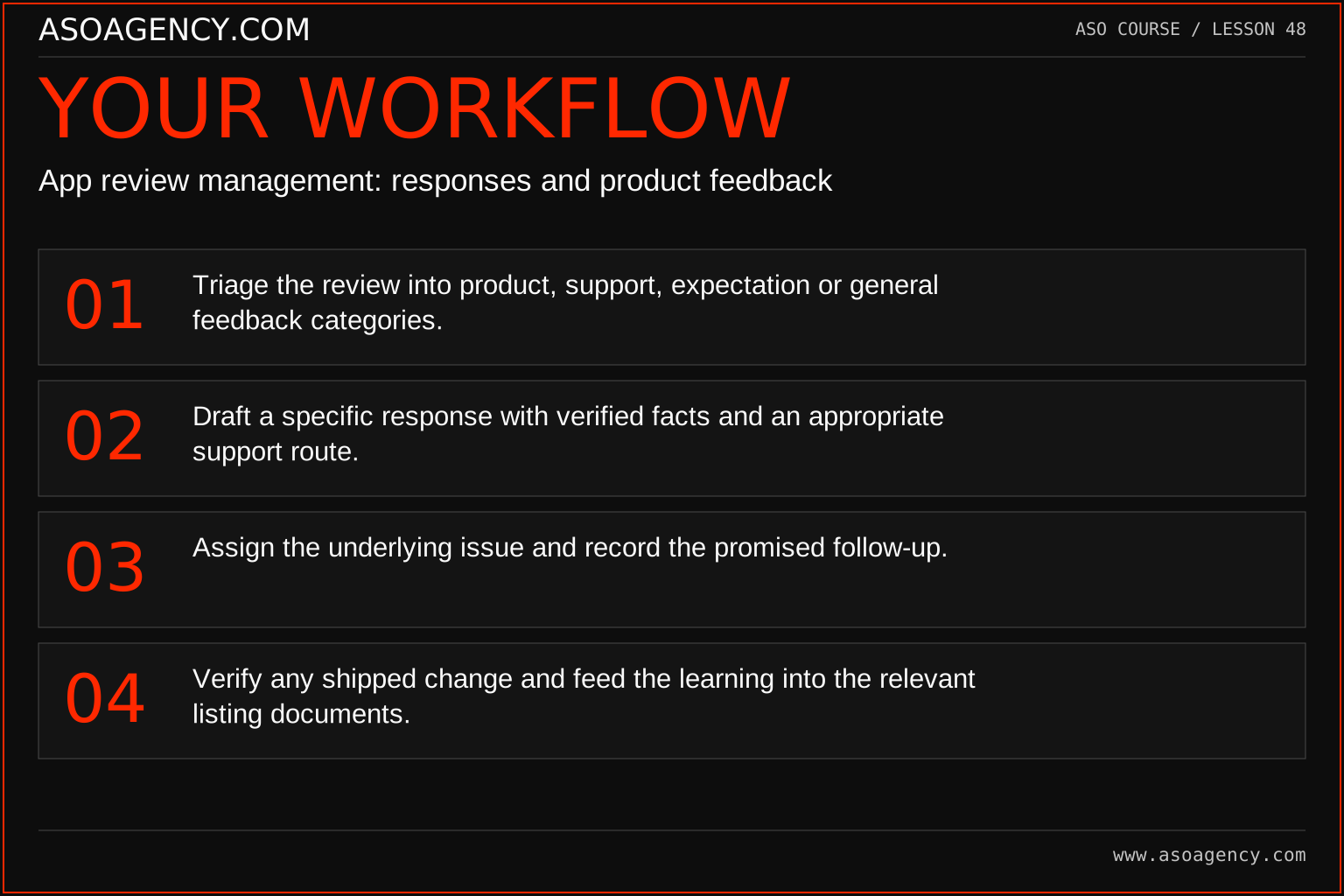
- Triage the review into product, support, expectation or general feedback categories.
- Draft a specific response with verified facts and an appropriate support route.
- Assign the underlying issue and record the promised follow-up.
- Verify any shipped change and feed the learning into the relevant listing documents.
Worked example and interpretation
Trail Notes and numerical research scenarios are fictional teaching examples. Platform limits, where shown, come from the linked official references.
A Trail Notes reviewer says export disappeared after an update. The response acknowledges the issue and directs account-specific details to support without requesting them publicly. Engineering investigates the affected version. The ASO analyst separately checks whether screenshots still show the old menu. When the workflow is corrected, both the product ticket and listing evidence are updated rather than treating a polite reply as the whole solution.
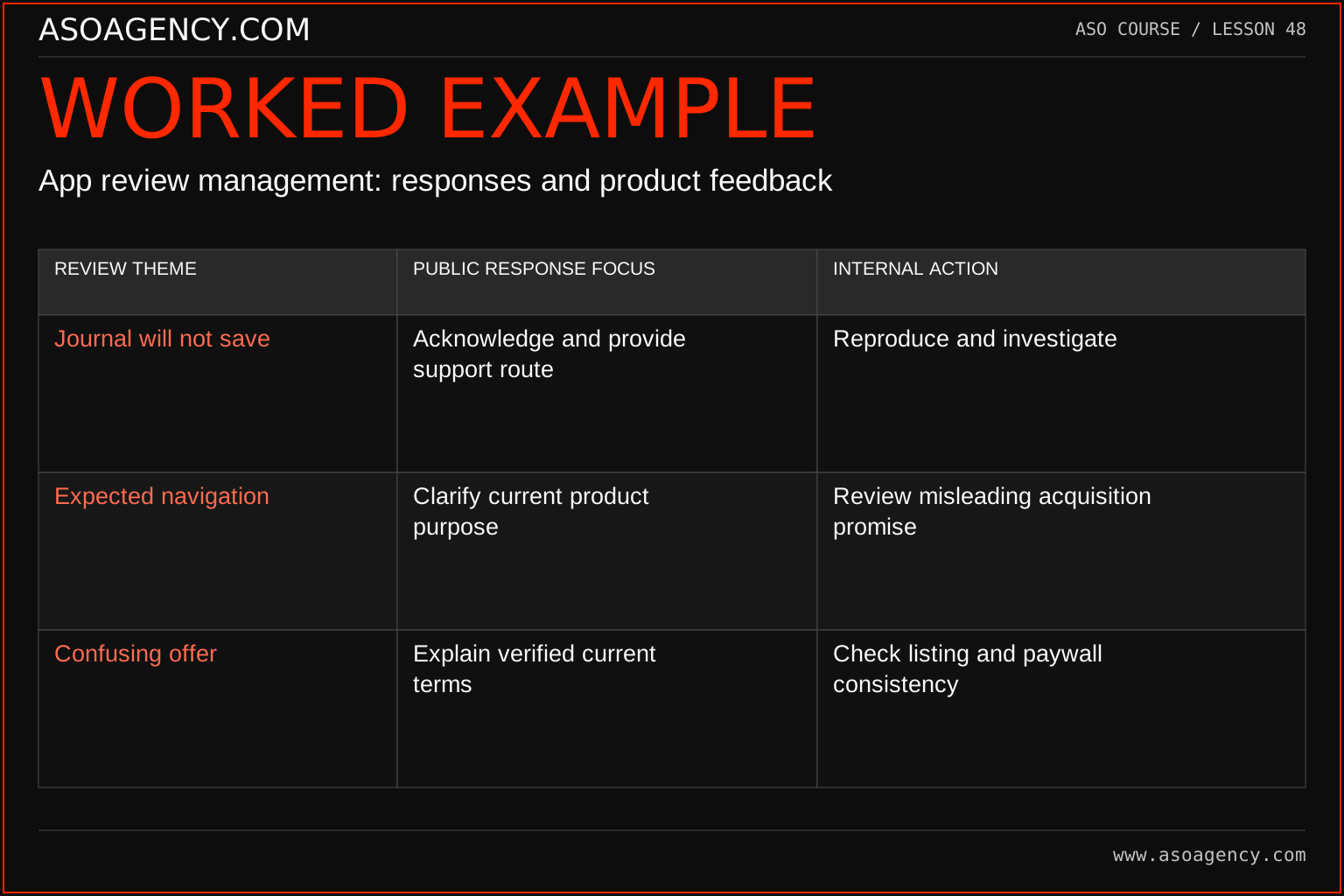
| Review theme | Public response focus | Internal action |
|---|---|---|
| Journal will not save | Acknowledge and provide support route | Reproduce and investigate |
| Expected navigation | Clarify current product purpose | Review misleading acquisition promise |
| Confusing offer | Explain verified current terms | Check listing and paywall consistency |
The table connects communication to action. A polite response without an internal investigation can leave the underlying problem unchanged. Conversely, a technical fix without an understandable response can leave users unaware of the available remedy. Keep both workstreams linked, with verified facts and clear ownership. Never expose account-specific details in a public reply.
Build a handover someone can use
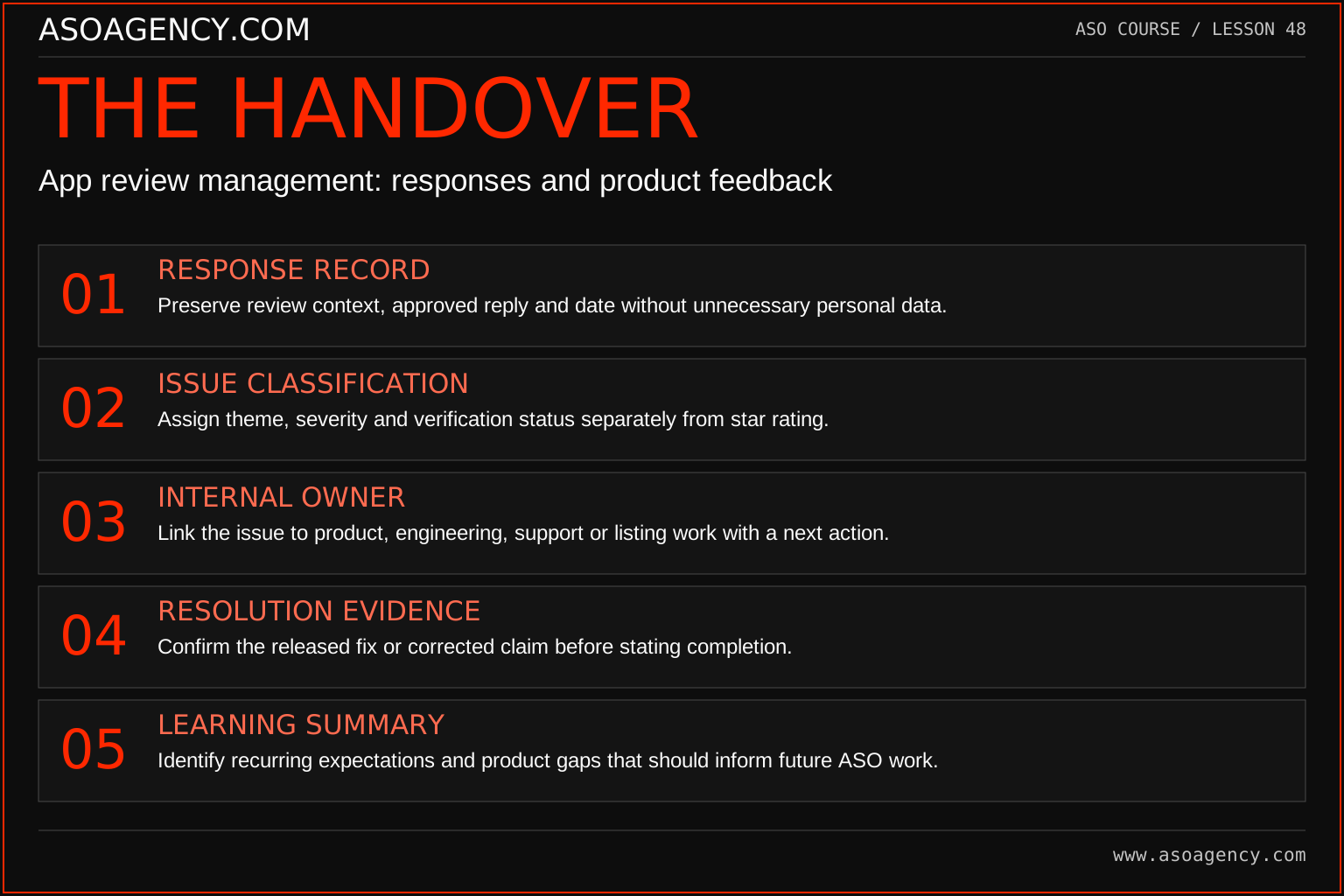
Response record
Preserve review context, approved reply and date without unnecessary personal data.
Issue classification
Assign theme, severity and verification status separately from star rating.
Internal owner
Link the issue to product, engineering, support or listing work with a next action.
Resolution evidence
Confirm the released fix or corrected claim before stating completion.
Learning summary
Identify recurring expectations and product gaps that should inform future ASO work.
Your ASO assignment
Use your own app and evidence, or work through the teaching case. Keep your observations separate from assumptions and explain the reasoning behind your decisions.
- Draft responses to a bug report, a pricing misunderstanding and general praise.
- Create a triage table with owners and follow-up states.
- Show how one recurring theme changes a listing or product brief.
Scenario challenge
Draft a reply to “I downloaded this for directions but it only saves notes.” Then write the internal follow-up that checks whether the store promise created that expectation.
Assess your work
- Responses are specific, truthful and respectful of private information.
- Underlying issues have owners and verification steps.
- Learning feeds back into product and listing work.
Common mistakes to catch
- Promising an unconfirmed fix date to end a public conversation.
- Using replies mainly to repeat keywords or pressure users to change ratings.
Knowledge check
A support ticket is marked closed but reviews report the same bug. What should happen?
Read the answer and reasoning
Reopen the evidence question with version and context details. Verify the affected workflow rather than treating ticket status as proof of recovery. Update the public response only with confirmed information and keep the recurring theme visible in product prioritization.
Sources and further reading
Platform references reviewed 29 September 2026. These sources support platform capabilities and constraints; the teaching frameworks, assignments and illustrative cases are original course material.
- Apple — Ratings and reviews — Review requests, responses and user-feedback practices.
- Google Play — Analyze ratings and reviews — Review analysis and response workflow.
Your ASO lesson notes
Use this space for your assignment, evidence and handover. Select Save to keep a draft in this browser, or download a copy to take with you.
Notes stay on this device and are not submitted to ASO Agency.
Complete your assignment with the Interactive ASO audit checklist.
Loading your progress…
Progress is saved only in this browser. It does not sync across devices. Mark a lesson complete after doing its exercise.