ASO course · lesson 25 of 60
Google Play ASO: store listing requirements
Create a Play-specific production plan rather than transplanting the iOS workflow.
By Gabriel Machuret · Editorial methodology
Before you start: Your product proposition, target locale and access to the current Play listing.
Module 5: Google Play execution
Plan about 50 minutes for reading, practice and review
You will produce: A Play-specific listing production matrix with requirement sources and approvals.
Understand the decision
Inventory the available surfaces
Capture the app name, short description, full description, icon, feature graphic, screenshots and available video presentation. Record the listing and language context. Google Play does not provide the same hidden keyword field as iOS. Plan the visible text as communication first, with researched terminology used naturally in descriptions of real product value.
Separate required facts from creative choices
Some listing elements identify and explain the app; others support a visual proposition. Build a production matrix with the current requirement, asset owner and evidence needed for each. Use official guidance and console validation for current limits. Treat an attractive competitor’s formatting as an observation, not a rule or proof that the same approach will work for your audience.
Review policy before polish
Current Play metadata policy restricts misleading and inappropriate promotional claims in key identity fields. Review the intended name, icon and developer presentation before investing in final production. A later policy correction can disrupt an otherwise coordinated launch. Keep a record of the review and escalate unclear claims to the appropriate owner rather than relying on another app’s apparent acceptance.
Apply the method in practice
Start with the destination and current requirements
Record the package, default language, target locale and listing type. Google Play's current text limits are 30 characters for the app name, 80 for the short description and 4,000 for the full description. These are separate fields with different communication jobs. Asset requirements and policy guidance also apply. Build a production inventory that links each requirement to its current official reference, rather than importing an iOS checklist or an old client's spreadsheet. The inventory should identify what is required for this app's supported form factors and release context.
Map each field to a user question
The name identifies the app and its task. The short description gives a compact reason to care. The full description can explain workflow, benefits and important conditions. Graphics provide visual evidence of the experience. This is a writing framework, not a claim about a precise ranking weight for each field. Keep the same product truth throughout. If the short description makes a broad promise that the full description quietly retracts, revise the promise rather than treating the longer text as a place to hide the limitation.
Prepare a single controlled production pack
Keep original and proposed fields, counts, asset IDs, locale and approvals together. The default listing and custom listings may need different versions, so name destinations explicitly. Mark any product, pricing or language dependency that blocks completion. After a reviewer edits a string, rerun field checks and inspect the whole message. A field inventory is useful when it prevents wrong-locale uploads, stale copy and ambiguous ownership; it is not complete merely because every row contains text.
Platform references for this work: Google Play — Create and set up your app · Google Play — Metadata policy
Your step-by-step procedure
- Capture the live Play listing by field, language and asset group.
- Create a field-purpose and owner matrix.
- Check current text and asset requirements in the linked official references.
- Flag policy-sensitive wording before design and translation are finalized.
Worked example and interpretation
Trail Notes and numerical research scenarios are fictional teaching examples. Platform limits, where shown, come from the linked official references.
Trail Notes’ iOS pack contains a hidden keyword string. The Play production sheet does not paste it into the full description. Instead, it assigns the name to identity, the short description to the main benefit and the full description to supported workflows. A proposed “#1 hiking app” identity is rejected because the team lacks an appropriate basis and must respect the store’s metadata requirements.
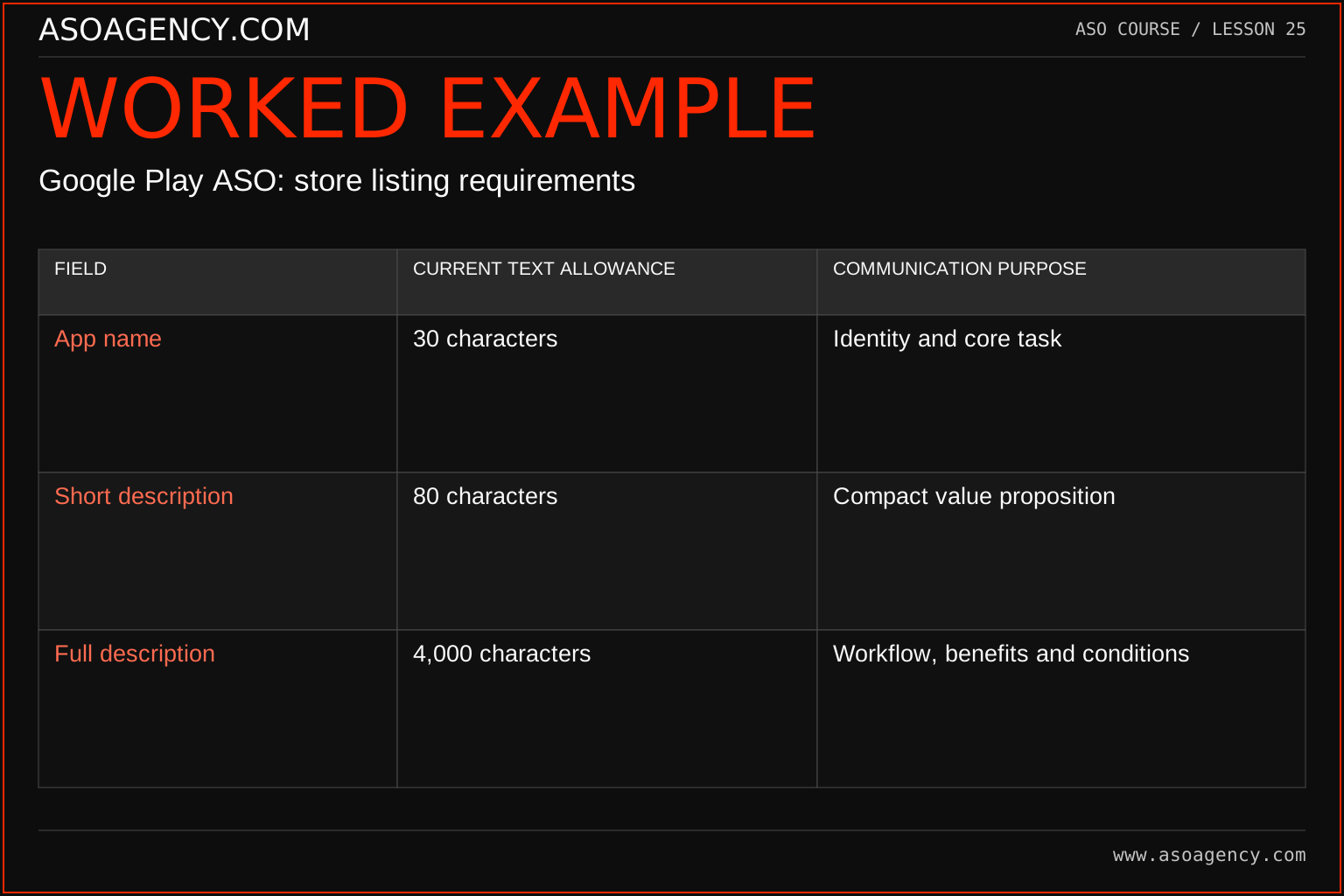
| Field | Current text allowance | Communication purpose |
|---|---|---|
| App name | 30 characters | Identity and core task |
| Short description | 80 characters | Compact value proposition |
| Full description | 4,000 characters | Workflow, benefits and conditions |
The limits are maximums, not targets. A concise 55-character short description can be more useful than an 80-character string padded with synonyms. Keep final console validation in the workflow, especially for localized text and unusual Unicode. Store the review date beside requirements so future editors know when to recheck them. Avoid assigning invented ranking weights to these fields when explaining why a concept belongs in one place.
Build a handover someone can use
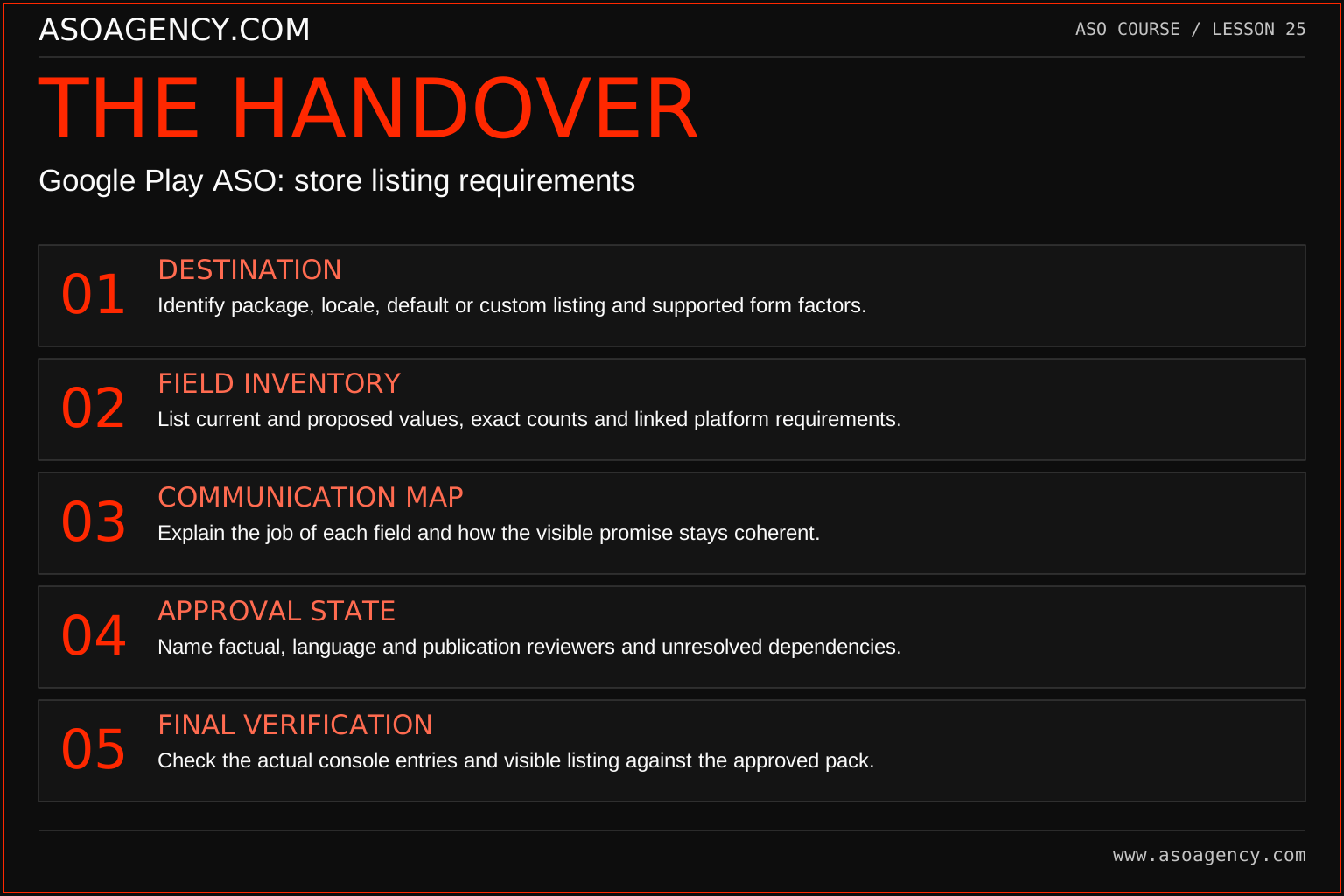
Destination
Identify package, locale, default or custom listing and supported form factors.
Field inventory
List current and proposed values, exact counts and linked platform requirements.
Communication map
Explain the job of each field and how the visible promise stays coherent.
Approval state
Name factual, language and publication reviewers and unresolved dependencies.
Final verification
Check the actual console entries and visible listing against the approved pack.
Your ASO assignment
Use your own app and evidence, or work through the teaching case. Keep your observations separate from assumptions and explain the reasoning behind your decisions.
- Build a Play field inventory for your app.
- Identify three material differences from your iOS production pack.
- Assign owners for copy, graphics, language review and publication.
Scenario challenge
A colleague copies an iOS subtitle into the Play short description and calls the listing complete. Identify what needs a fresh decision: audience message, field role, full description, assets and Play-specific requirements.
Assess your work
- The workflow does not assume an iOS keyword field exists on Play.
- Identity claims are reviewed before production.
- Each field has a communication purpose and owner.
Common mistakes to catch
- Copying an iOS keyword list into visible prose.
- Assuming a competitor’s policy-sensitive claim is safe because it appears live.
Knowledge check
Can competitor acceptance replace a policy check for your own title?
Read the answer and reasoning
No. You do not know the competitor’s review history or current compliance status. Evaluate your own draft against current requirements and product evidence. Public examples can inform creative research, but they are not permission to repeat questionable claims.
Sources and further reading
Platform references reviewed 29 September 2026. These sources support platform capabilities and constraints; the teaching frameworks, assignments and illustrative cases are original course material.
- Google Play — Create and set up your app — Listing fields, language and text limits.
- Google Play — Metadata policy — Accurate, relevant metadata and prohibited presentation.
Your ASO lesson notes
Use this space for your assignment, evidence and handover. Select Save to keep a draft in this browser, or download a copy to take with you.
Notes stay on this device and are not submitted to ASO Agency.
Complete your assignment with the App store metadata checker.
Loading your progress…
Progress is saved only in this browser. It does not sync across devices. Mark a lesson complete after doing its exercise.