ASO course · lesson 24 of 60
App Store listing QA: approve and release metadata
Assemble a coordinated publication package and verify what actually becomes visible.
By Gabriel Machuret · Editorial methodology
Before you start: Approved metadata, creative files and any custom-page specifications.
Module 4: Apple App Store execution
Plan about 50 minutes for reading, practice and review
You will produce: Module project: a reviewed iOS listing pack with release, verification and recovery instructions.
Understand the decision
Check the complete package
Review text, imagery, locale, device group, offer conditions and product version together. Verify file requirements against current specifications and inspect the rendered assets at useful viewing sizes. A file can have correct dimensions yet show an obsolete screen or unreadable text. Technical validation and editorial validation are separate checks, both needed before approval.
Make publication a controlled handover
Assign who submits, who approves and who verifies the live result. Record any version or review dependencies in the console rather than assuming every field changes immediately. Preserve the previous approved assets for recovery. Avoid mixing an experiment treatment into the default listing unintentionally; the publication checklist should state exactly which surface each asset belongs to.
Verify the result, not only the submission
A submitted draft is not the same as a visible listing. Once the relevant review and publication steps finish, inspect the intended storefront and locale, record what is visible and update the change log. Check that the public promise matches the app release. If something is wrong, use the agreed correction path and preserve the incident details for later analysis.
Apply the method in practice
Create an asset-level release manifest
List every field and image by locale, device family, version and approval status. Attach the exact files to be uploaded, not a folder containing several ambiguous finals. Check dimensions and formats against current Apple specifications for the supported devices. A technical pass does not verify factual content, so review the depicted UI and claims separately. Include the previous approved assets and strings so the publisher can identify unintended changes and prepare a recovery path if the release needs correction.
Separate console acceptance from editorial approval
A file can upload successfully while showing the wrong language or an outdated offer. Conversely, a well-reviewed design may fail a technical requirement. Use separate checks for content, language, asset format, console entry and product consistency. Have the reviewer inspect the actual entered fields and asset order before submission when access permits. Record any console errors verbatim with the affected asset ID. Do not repeatedly alter unrelated fields to make an unexplained error disappear; identify the specific requirement first.
Verify what users can actually see
After approval and publication, inspect the target storefront, locale and device context. Compare the visible listing with the approved manifest, including screenshot order and fallback language. Record the observed-live time and any uncertainty about propagation. Check relevant links and the promised product path. If a mismatch is found, classify its severity and correct it through the authorized release process. Preserve the change log so subsequent performance analysis uses actual visibility rather than the earlier design or submission date.
Platform references for this work: Apple — Screenshot specifications · Apple — Platform version information
Your step-by-step procedure
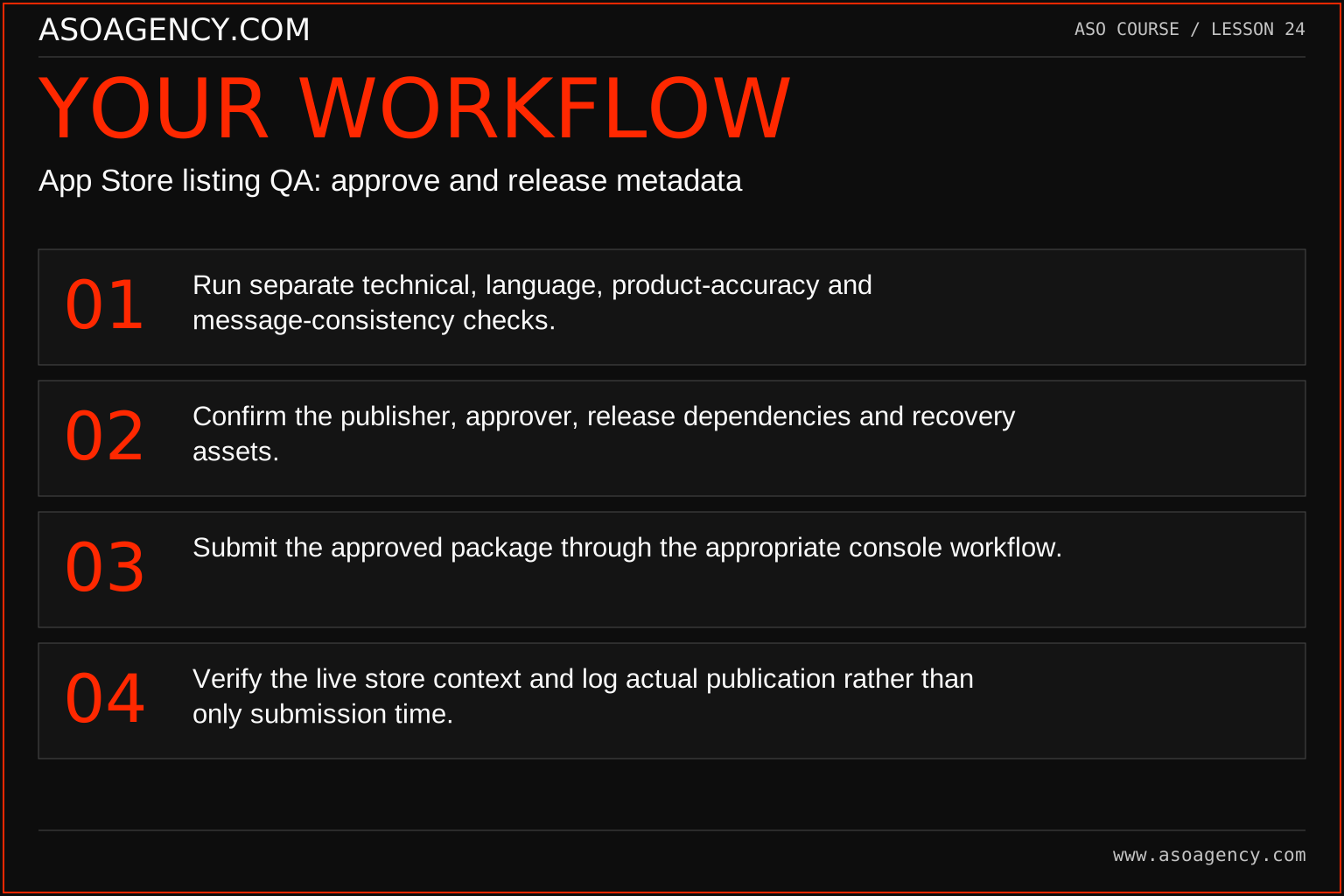
- Run separate technical, language, product-accuracy and message-consistency checks.
- Confirm the publisher, approver, release dependencies and recovery assets.
- Submit the approved package through the appropriate console workflow.
- Verify the live store context and log actual publication rather than only submission time.
Worked example and interpretation
Trail Notes and numerical research scenarios are fictional teaching examples. Platform limits, where shown, come from the linked official references.
Trail Notes submits revised Australian screenshots while a product release is awaiting approval. The checklist records that dependency. After publication, a reviewer notices that the second image still shows an old export button. The team logs the discrepancy, corrects the asset and avoids attributing the entire week’s performance to a perfectly executed new sequence. The verification step prevents an inaccurate experiment narrative.
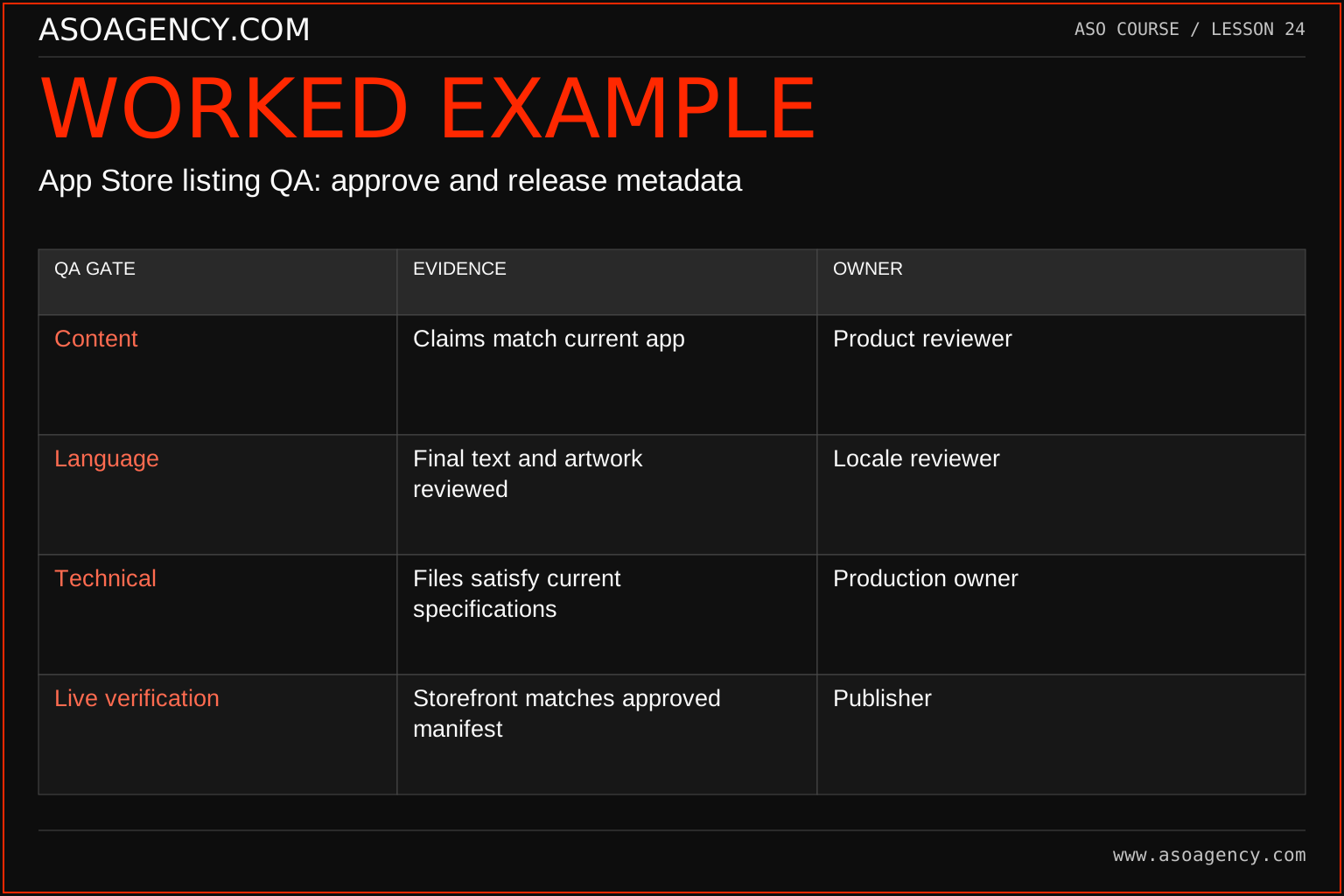
| QA gate | Evidence | Owner |
|---|---|---|
| Content | Claims match current app | Product reviewer |
| Language | Final text and artwork reviewed | Locale reviewer |
| Technical | Files satisfy current specifications | Production owner |
| Live verification | Storefront matches approved manifest | Publisher |
These gates answer different questions and should not be collapsed into a single “approved” checkbox. A release can pass language review while still containing the wrong device export. The manifest links the decisions together and gives the publisher an unambiguous pack. If the visible listing differs from the approved pack, resolve that mismatch before presenting a performance chart as evidence about the intended treatment.
Build a handover someone can use
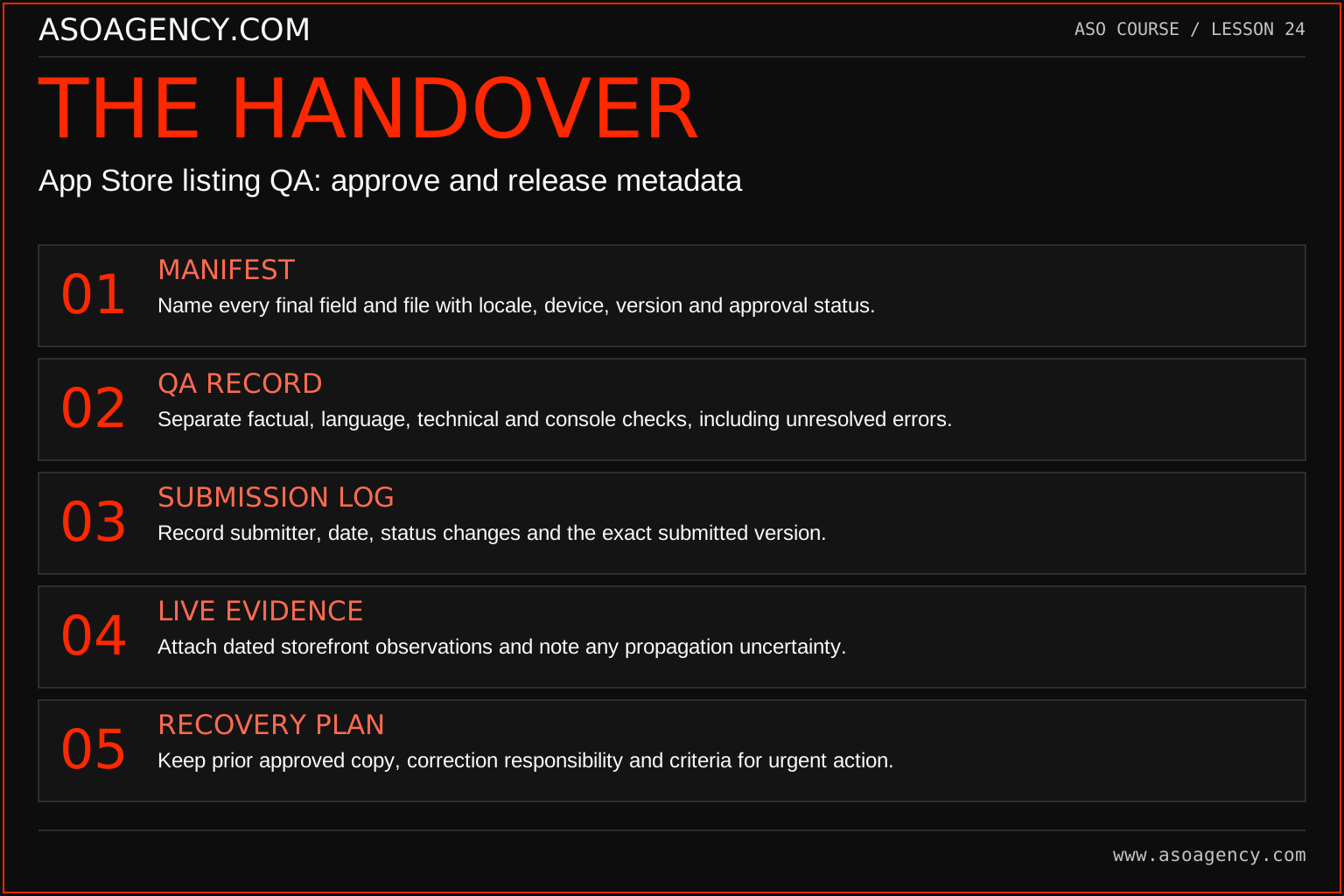
Manifest
Name every final field and file with locale, device, version and approval status.
QA record
Separate factual, language, technical and console checks, including unresolved errors.
Submission log
Record submitter, date, status changes and the exact submitted version.
Live evidence
Attach dated storefront observations and note any propagation uncertainty.
Recovery plan
Keep prior approved copy, correction responsibility and criteria for urgent action.
Your ASO assignment
Use your own app and evidence, or work through the teaching case. Keep your observations separate from assumptions and explain the reasoning behind your decisions.
- Create a release checklist with named reviewers and surface-specific assets.
- Perform a dry run using your draft package.
- Write a correction plan for the wrong locale or an outdated screenshot.
Scenario challenge
The correct English screenshots appear in the wrong order after publication. Explain why a successful upload is insufficient, how to document the mismatch and which date belongs in the later experiment timeline.
Assess your work
- The approved version is unambiguous.
- Live verification covers the intended locale and surface.
- Changes and discrepancies are traceable in the publication log.
Common mistakes to catch
- Calling a draft submitted to review a completed deployment.
- Assuming valid image dimensions prove content accuracy.
Knowledge check
All files passed validation but the wrong language is live. Is the release complete?
Read the answer and reasoning
No. Correct the publication context, verify the intended storefront and document the actual visible period. Technical file checks cannot establish that the right assets reached the right audience. Use the incident to improve the handover and measurement notes.
Sources and further reading
Platform references reviewed 29 September 2026. These sources support platform capabilities and constraints; the teaching frameworks, assignments and illustrative cases are original course material.
- Apple — Screenshot specifications — Current device-specific screenshot formats and dimensions.
- Apple — Platform version information — Field definitions and submission constraints, including keyword bytes.
Your ASO lesson notes
Use this space for your assignment, evidence and handover. Select Save to keep a draft in this browser, or download a copy to take with you.
Notes stay on this device and are not submitted to ASO Agency.
Complete your assignment with the App store screenshot checker.
Loading your progress…
Progress is saved only in this browser. It does not sync across devices. Mark a lesson complete after doing its exercise.