ASO course · lesson 35 of 60
App preview and Google Play video planning
Write a concise video storyboard that demonstrates the product without relying on unsupported cinematic claims.
By Gabriel Machuret · Editorial methodology
Before you start: A verified product workflow, current platform video requirements and production constraints.
Module 6: Creative strategy and production
Plan about 50 minutes for reading, practice and review
You will produce: A platform-specific video brief with storyboard, silent-review notes and production decision.
Understand the decision
Choose one demonstrable story
A short store video cannot teach the entire app. Select the audience job and the minimum sequence that shows value. Begin with the product and meaningful action rather than a long logo introduction. Keep claims tied to real behavior; cinematic decoration should not imply features, speed or results the app cannot deliver in ordinary use.
Plan the opening and silent experience
The first visible frame and opening moments need to communicate even when viewers do not listen to audio. Storyboard the text, product action and visual emphasis for each segment. Review captions, pace and legibility. Avoid designing an explanation that only works when a narrator supplies the missing context. Verify the current store’s format and content requirements before final production.
Decide whether video is the right investment
Production and maintenance can be substantial. A simple workflow may be communicated effectively with screenshots, while a dynamic interaction may benefit from motion. Estimate the effort, evidence gap and expected learning before commissioning a video. The presence of a video is not a quality certificate and does not automatically improve acquisition for every app or audience.
Apply the method in practice
Choose a short product story
A useful video demonstrates a task and its result. Write the opening problem, the essential action and the visible payoff before choosing transitions or music. For Trail Notes, show creating an entry and revisiting the saved memory. Use released product behavior and avoid implying automatic features the app does not provide. The opening should make sense quickly because many viewers will not watch to the end. The video is not a place to postpone the explanation that the listing needs immediately.
Adapt to the platform rather than exporting once
Apple app previews and Google Play video assets have different submission and presentation requirements. Apple's guidance emphasizes footage of the app in action, with previews up to 30 seconds and up to three per supported language. Check current technical specifications and policy before production. For Play, verify the current video-link and preview-asset requirements. Plan captions and visual storytelling so the central meaning survives muted viewing. Do not assume a polished social advertisement is automatically an appropriate store preview.
Storyboard the actual frames and release dependencies
For each beat, record timing, screen action, caption, audio role and proof. Identify device captures, localization and any product build needed. Review the rough cut for accuracy and comprehension before final motion polish. Test the exported file or submitted link, not merely the editing timeline. Save source projects and assign maintenance ownership because a changed interface or expired offer can make a video misleading long after it was approved.
Platform references for this work: Apple — App previews · Google Play — Add preview assets
Your step-by-step procedure
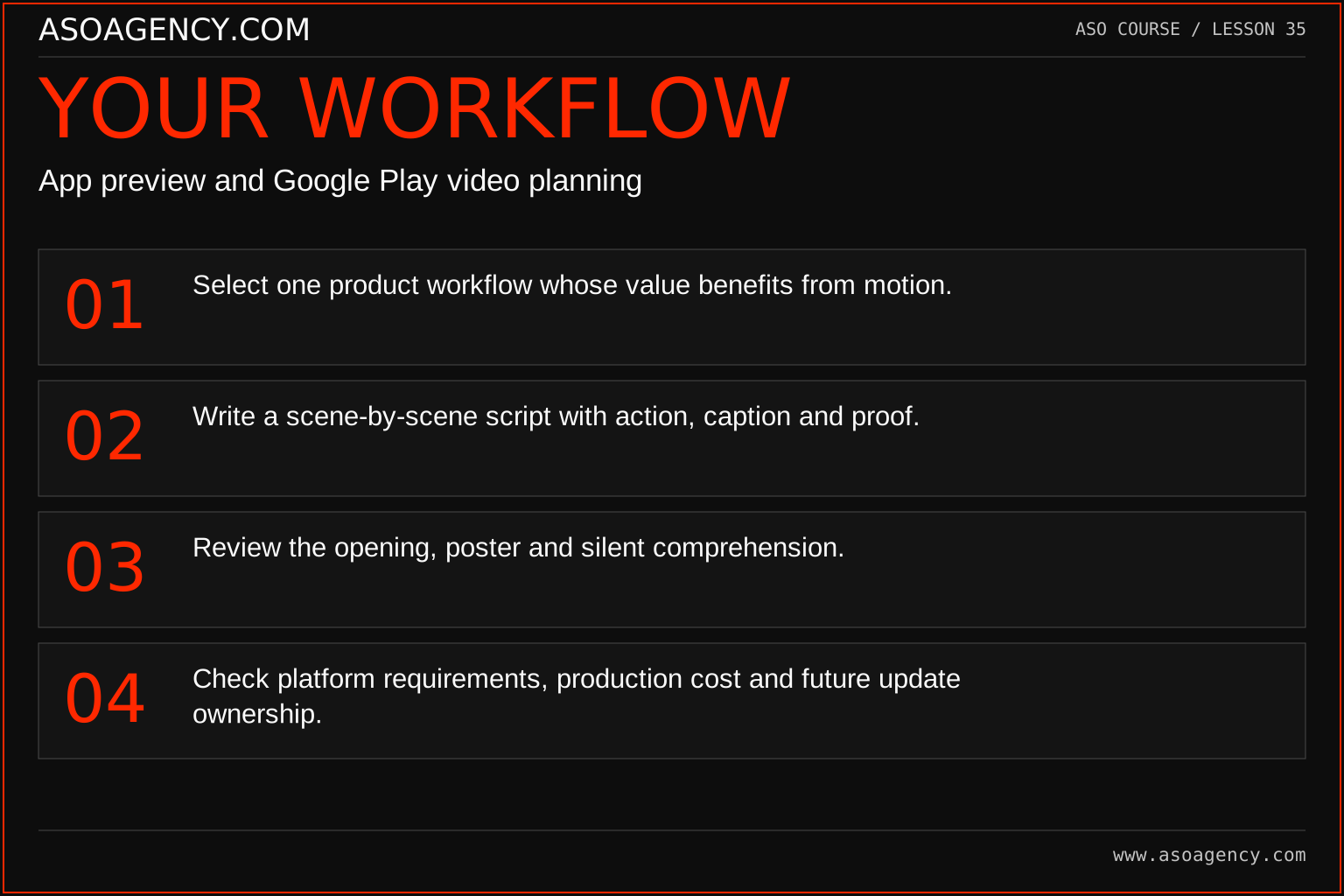
- Select one product workflow whose value benefits from motion.
- Write a scene-by-scene script with action, caption and proof.
- Review the opening, poster and silent comprehension.
- Check platform requirements, production cost and future update ownership.
Worked example and interpretation
Trail Notes and numerical research scenarios are fictional teaching examples. Platform limits, where shown, come from the linked official references.
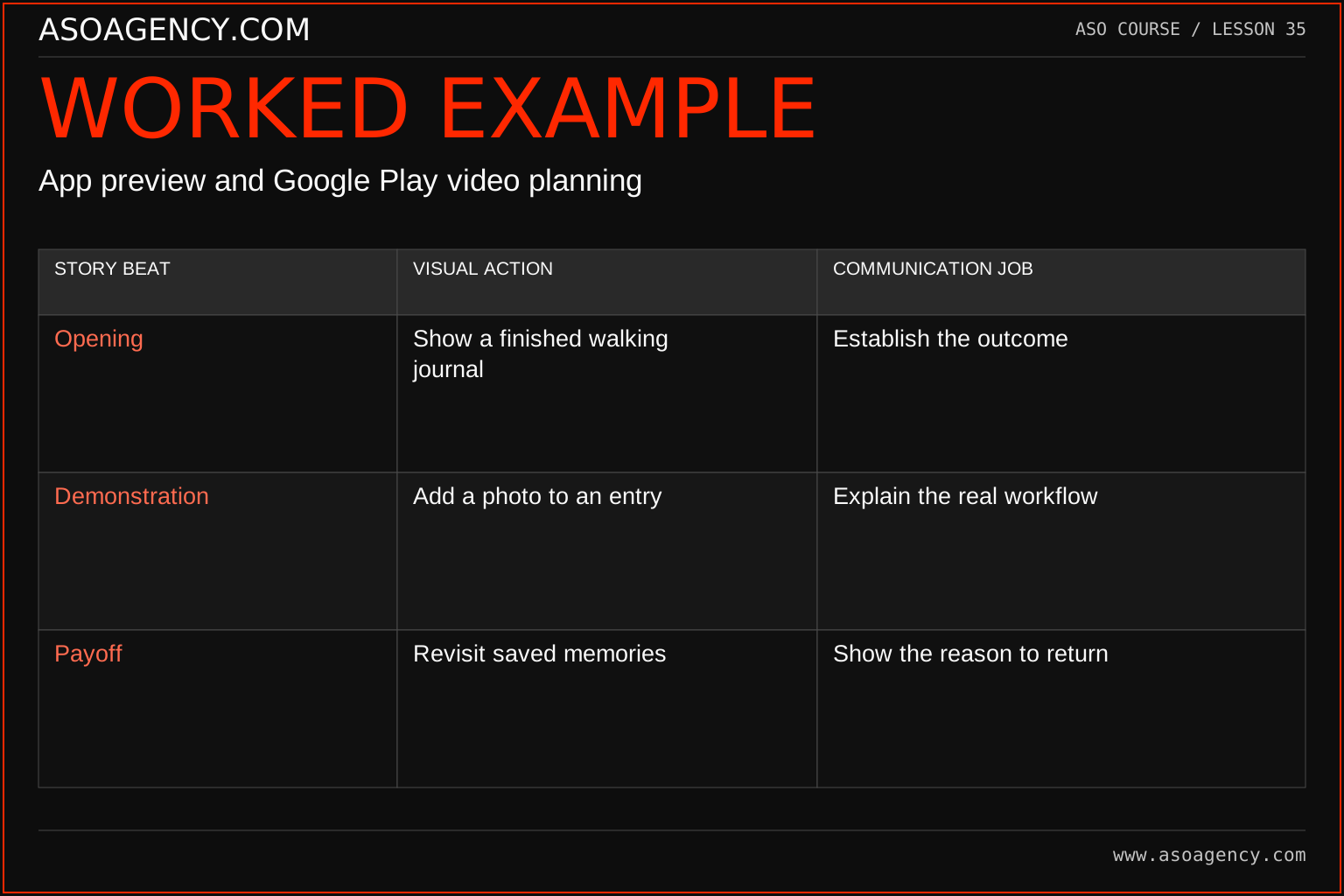
Trail Notes storyboards opening an entry, adding a memory and revisiting it in a trip timeline. A long drone montage is removed because it delays the product explanation and implies an outdoor-video service. The draft also clarifies which interactions are available in the current release. Before commissioning production, the team compares this explanation with a lower-effort screenshot sequence.
| Story beat | Visual action | Communication job |
|---|---|---|
| Opening | Show a finished walking journal | Establish the outcome |
| Demonstration | Add a photo to an entry | Explain the real workflow |
| Payoff | Revisit saved memories | Show the reason to return |
This three-beat structure can be expanded or shortened, but every beat should contribute meaning. Decorative footage may establish mood while consuming time needed to explain the app. The storyboard should reveal that tradeoff before expensive editing begins. A viewer's understanding of the task is a more useful rough-cut review question than whether the music feels exciting.
Build a handover someone can use
Storyboard
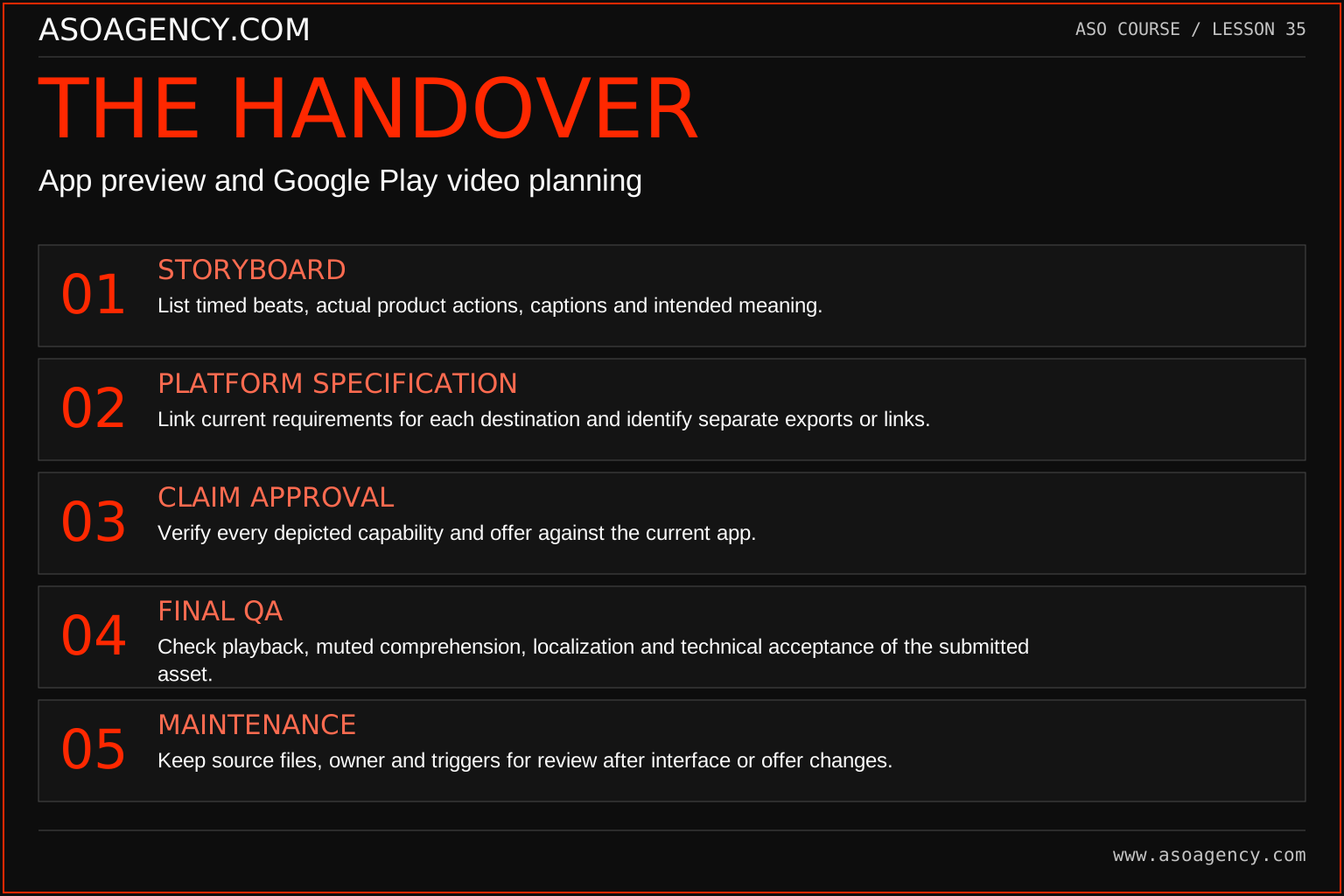
List timed beats, actual product actions, captions and intended meaning.
Platform specification
Link current requirements for each destination and identify separate exports or links.
Claim approval
Verify every depicted capability and offer against the current app.
Final QA
Check playback, muted comprehension, localization and technical acceptance of the submitted asset.
Maintenance
Keep source files, owner and triggers for review after interface or offer changes.
Your ASO assignment
Use your own app and evidence, or work through the teaching case. Keep your observations separate from assumptions and explain the reasoning behind your decisions.
- Write a six-scene product demonstration with captions.
- Explain what the video teaches better than a static image.
- Create a maintenance checklist for product-screen changes.
Scenario challenge
A 30-second video spends its first 15 seconds on mountain scenery. Propose a revised opening that communicates the journal's task sooner while retaining an appropriate visual tone.
Assess your work
- The video demonstrates a real workflow.
- The opening communicates without waiting for narration.
- Production effort is justified by a specific communication need.
Common mistakes to catch
- Using attractive unrelated footage instead of product evidence.
- Assuming every listing needs video before fixing unclear screenshots.
Knowledge check
Your app’s interface changes every two weeks. What should the video brief address?
Read the answer and reasoning
Identify stable workflows, the likely update cost and an owner for checking accuracy after releases. If maintenance would make the demonstration frequently obsolete, reduce scope or prioritize a more sustainable asset format until the product stabilizes.
Sources and further reading
Platform references reviewed 29 September 2026. These sources support platform capabilities and constraints; the teaching frameworks, assignments and illustrative cases are original course material.
- Apple — App previews — Preview content, duration and production guidance.
- Google Play — Add preview assets — Icons, feature graphics, screenshots and video requirements.
Your ASO lesson notes
Use this space for your assignment, evidence and handover. Select Save to keep a draft in this browser, or download a copy to take with you.
Notes stay on this device and are not submitted to ASO Agency.
Complete your assignment with the ASO experiment planner.
Loading your progress…
Progress is saved only in this browser. It does not sync across devices. Mark a lesson complete after doing its exercise.