ASO course · lesson 39 of 60
Google Play store listing experiments: test planning
Configure a Play experiment whose audience, assets and outcome match the intended question.
By Gabriel Machuret · Editorial methodology
Before you start: A reviewed Play treatment, metric definition and console owner.
Module 7: Experiment design and interpretation
Plan about 50 minutes for reading, practice and review
You will produce: A Play experiment setup record with audience, allocation, asset versions and metric definitions.
Understand the decision
Choose the correct listing context
Identify whether the question concerns a default or custom listing and which language or audience is relevant. Current Play guidance supports experiments for listing graphics and text in eligible configurations. Review the console’s available options and current result definitions before finalizing the design. Do not assume every asset or audience setting behaves exactly like the iOS workflow.
Use setup estimates as planning information
The native creation flow can provide estimates based on the proposed configuration. Treat these as planning guidance, not a guaranteed finish date. Splitting limited traffic across many variants can make learning harder. Prefer a question important enough to act on, with a manageable number of meaningful treatments and a clear record of allocation and eligible audience.
Preserve the distinction between metrics
Read the actual outcome labels in the experiment and associated reports. Do not casually substitute completed installs for install clicks, or assume an acquisition report and experiment report use identical definitions. Record the primary measure, any retained-user outcome offered and the limitations of connecting them. Use the current platform interpretation rather than an old screenshot from a tutorial.
Apply the method in practice
Align the experiment with the actual listing context
Confirm the available experiment type, eligible assets or text, listing destination and languages in the current Play Console. A localized experiment and a default-graphics experiment may answer different questions. Record the control and variants before setup. Choose a focused change where possible; a package test is valid as a package comparison if documented. Avoid using an experiment to decide whether an inaccurate claim should remain in the listing.
Check metric definitions at setup time
Google's listing reports have changed their emphasis toward clicks, while experiment reporting has its own setup and outcome definitions. Do not assume every conversion label across the console means the same thing. Record the exact selected experiment metric, population and reporting window, and link its current documentation. Use native guidance on required observations and interpretation. A generic rule such as “every test runs seven days” ignores traffic, effect size, variation and the platform's method.
Preserve the operational history
Capture configuration, launch verification and any interruptions. Keep concurrent campaigns and app releases on the timeline. If the team edits assets or changes the setup, document what happened and reassess whether the result still answers the original question. At completion, export or preserve the available result evidence and explain the decision. A positive point estimate without adequate support should not be presented as a winner simply because production needs a conclusion.
Platform references for this work: Google Play — Run store listing experiments · Google Play — Understand and grow your user base
Your step-by-step procedure
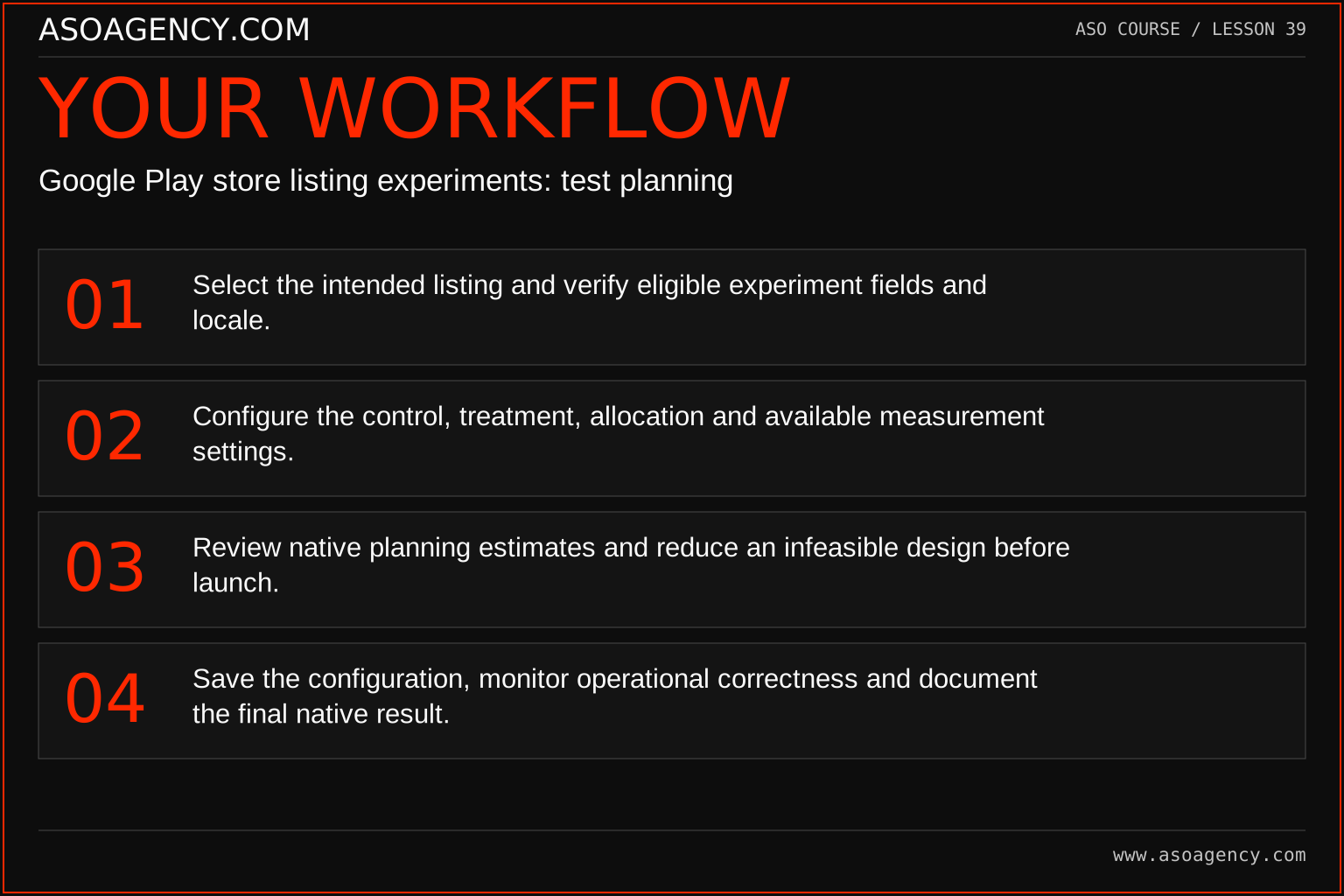
- Select the intended listing and verify eligible experiment fields and locale.
- Configure the control, treatment, allocation and available measurement settings.
- Review native planning estimates and reduce an infeasible design before launch.
- Save the configuration, monitor operational correctness and document the final native result.
Worked example and interpretation
Trail Notes and numerical research scenarios are fictional teaching examples. Platform limits, where shown, come from the linked official references.
Trail Notes wants to compare two short-description concepts in one language. The team verifies the relevant experiment configuration, then avoids adding three unrelated screenshot treatments merely because slots are available. Their setup sheet records the exact native outcome label. When comparing with a separate listing report, they first reconcile definitions instead of treating similar percentages as the same metric.
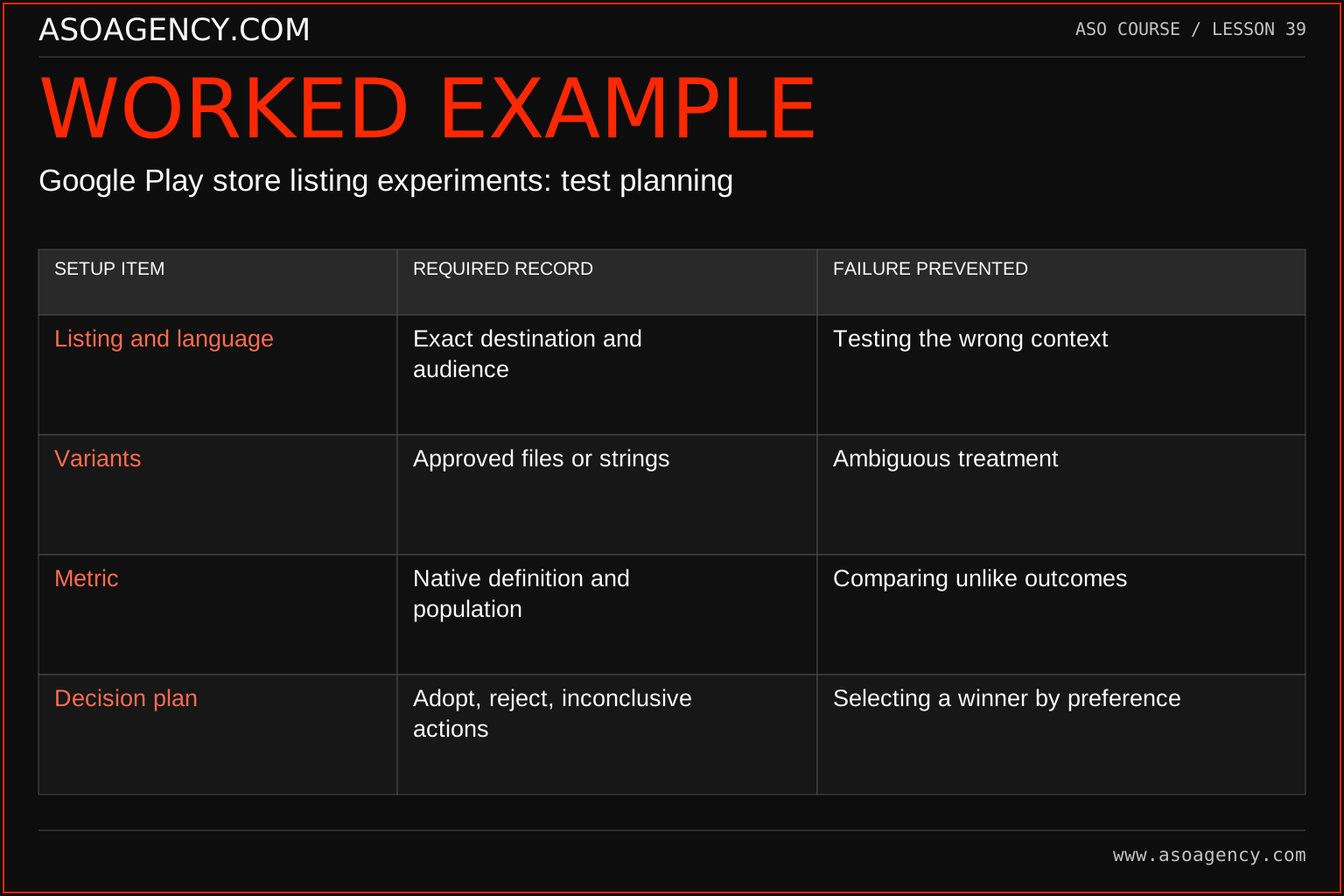
| Setup item | Required record | Failure prevented |
|---|---|---|
| Listing and language | Exact destination and audience | Testing the wrong context |
| Variants | Approved files or strings | Ambiguous treatment |
| Metric | Native definition and population | Comparing unlike outcomes |
| Decision plan | Adopt, reject, inconclusive actions | Selecting a winner by preference |
The setup record makes the experiment reviewable before results exist. If the chosen metric measures a different stage from the business outcome, preserve that boundary and add an appropriate follow-up rather than renaming the metric. The resulting decision should describe what was tested, for whom and with what evidence. Broader rollout requires checking that the new context is sufficiently similar.
Build a handover someone can use
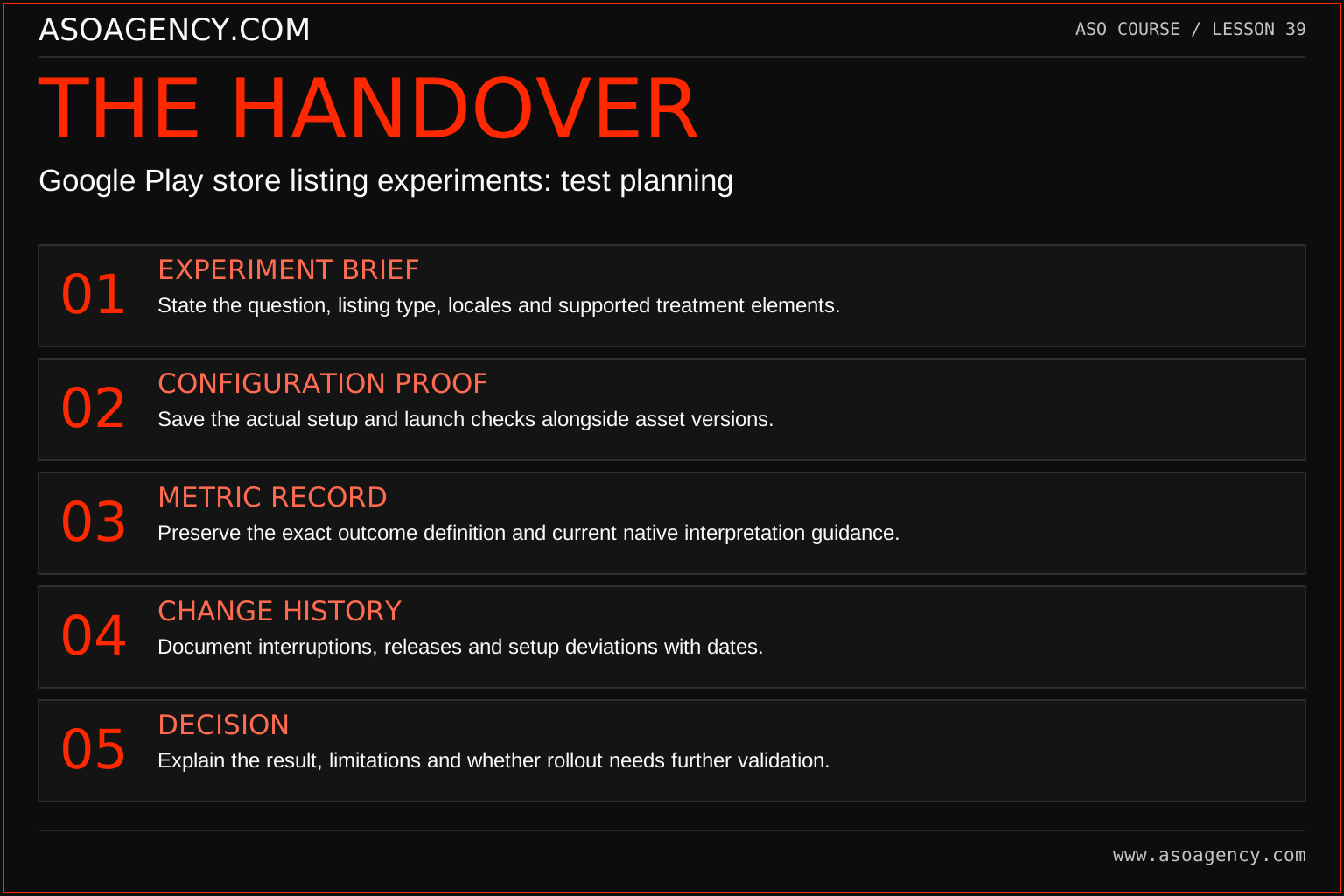
Experiment brief
State the question, listing type, locales and supported treatment elements.
Configuration proof
Save the actual setup and launch checks alongside asset versions.
Metric record
Preserve the exact outcome definition and current native interpretation guidance.
Change history
Document interruptions, releases and setup deviations with dates.
Decision
Explain the result, limitations and whether rollout needs further validation.
Your ASO assignment
Use your own app and evidence, or work through the teaching case. Keep your observations separate from assumptions and explain the reasoning behind your decisions.
- Prepare a Play setup sheet for one text or graphic hypothesis.
- Explain why your number of treatments is feasible for the available audience.
- List the report definitions you must verify before interpreting results.
Scenario challenge
A team calls a small positive point estimate a winner after two days. Draft a response that refers to the native evidence and original decision plan rather than imposing an arbitrary universal duration.
Assess your work
- The setup matches a specific listing and language context.
- Planning estimates are not presented as guaranteed duration.
- Report labels and denominators are preserved accurately.
Common mistakes to catch
- Launching every available treatment despite very limited traffic.
- Applying an old report’s interpretation to a newly named metric.
Knowledge check
A tutorial reports acquisitions but your console shows install clicks. Can you reuse its calculation unchanged?
Read the answer and reasoning
No. Confirm the current definitions and available reports first. A click is not proof of a completed acquisition. Rebuild the metric dictionary for the actual outcome and state the resulting limitation in your decision brief.
Sources and further reading
Platform references reviewed 29 September 2026. These sources support platform capabilities and constraints; the teaching frameworks, assignments and illustrative cases are original course material.
- Google Play — Run store listing experiments — Experiment configuration and native interpretation guidance.
- Google Play — Understand and grow your user base — Current listing-click reporting, completed acquisitions and segmentation.
Your ASO lesson notes
Use this space for your assignment, evidence and handover. Select Save to keep a draft in this browser, or download a copy to take with you.
Notes stay on this device and are not submitted to ASO Agency.
Complete your assignment with the ASO experiment planner.
Loading your progress…
Progress is saved only in this browser. It does not sync across devices. Mark a lesson complete after doing its exercise.