ASO course · lesson 4 of 60
ASO project setup: access, evidence and change logs
Build a reproducible evidence workspace without unnecessary access or sensitive data collection.
By Gabriel Machuret · Editorial methodology
Before you start: A scoped project and named console owner.
Module 1: Foundations and diagnosis
Plan about 50 minutes for reading, practice and review
You will produce: An access matrix, evidence register and versioned publication log.
Understand the decision
Start with the minimum useful access
List the decisions you must make and the reports required for each. Read-only exports may be enough for diagnosis; publication needs separate authority. Ask the account owner to assign the appropriate role rather than sharing credentials. Keep operational access and analytical evidence distinct so a missing permission does not tempt you to guess what a report contains.
Preserve the context of a number
An export without filters or a date range is hard to interpret. Record store, territory, language, device, acquisition source, time zone, metric definition and extraction date. Save an unchanged source copy and perform transformations separately. Aggregated reports are usually sufficient for this work; individual user details add risk without necessarily improving the listing decision.
Make changes traceable
A change log connects the proposed intervention to what actually shipped. Include asset identifier, locale, publisher, approval, planned date, actual publication and rollback copy. Add related app releases, prices, campaigns and outages. Without this timeline, a future before-and-after chart may attribute a release-driven change to a screenshot edited during the same week.
Apply the method in practice
Request access by task rather than seniority
Create one row for each task: inspect acquisition reports, export aggregates, edit metadata, approve claims or submit changes. Ask the account owner to map those tasks to current platform roles. An analyst does not automatically need publication privileges, and a publisher does not automatically own the research decision. If direct access is unavailable, specify the exact export an authorized person can provide. Include filters and date ranges so the alternative is actionable. Do not confuse having a login with having access to the right app, territory or report.
Keep the original evidence reconstructable
Use stable identifiers such as E001 for a report and A001 for an asset. Store the original export unchanged, its context note beside it, and any cleaned worksheet as a derivative that names E001. Record the transformation: excluded rows, date conversion, deduplication or regrouping. A reviewer should be able to reproduce the final table from the original without guessing. A screenshot is useful for preserving a dashboard configuration, but it rarely replaces the export needed for calculations. If a field is missing, label it as unavailable rather than filling it from memory.
Distinguish approval, submission and visibility
These are different events. A product owner may approve a string on Monday, a publisher submit it on Tuesday and the storefront display it later. Store all three dates when known, along with locale and asset version. A before/after analysis needs the actual exposure period, not the date a designer saved a file. Capture a post-publication observation and keep the previous approved version. When a change is reverted, record the reversion as a new event so the history remains understandable instead of erasing the failed attempt.
Platform references for this work: Apple — Role permissions · Google Play — Understand and grow your user base
Your step-by-step procedure
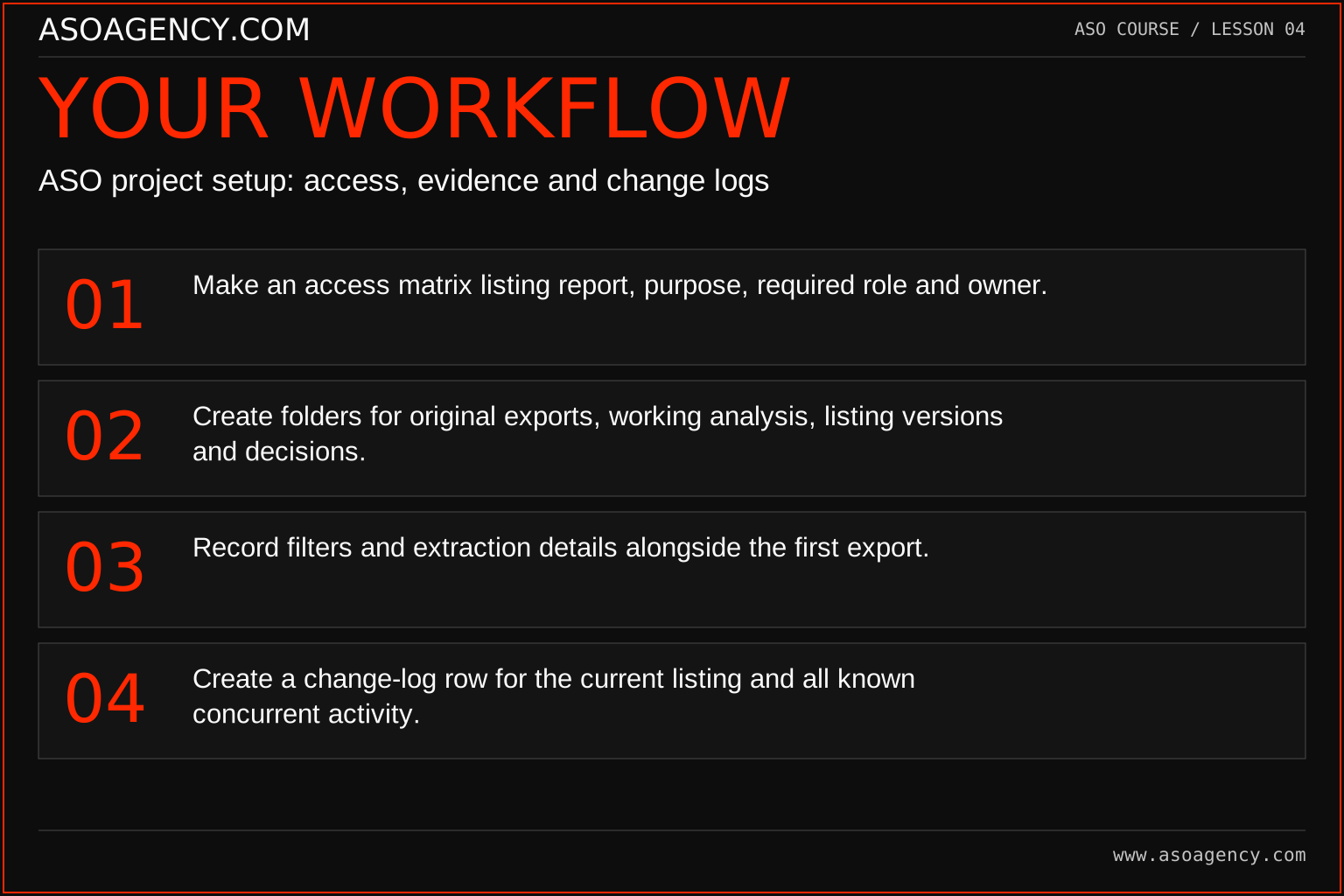
- Make an access matrix listing report, purpose, required role and owner.
- Create folders for original exports, working analysis, listing versions and decisions.
- Record filters and extraction details alongside the first export.
- Create a change-log row for the current listing and all known concurrent activity.
Worked example and interpretation
Trail Notes and numerical research scenarios are fictional teaching examples. Platform limits, where shown, come from the linked official references.
An analyst receives a screenshot showing 24% conversion. The team cannot tell which country or acquisition source it represents. Instead of placing it in the report, they request the filtered export and its definition. A second file reveals that the figure combines several markets. The original screenshot remains labeled “context incomplete” until it can support a specific comparison. This is evidence hygiene, not a demand for ever more data.
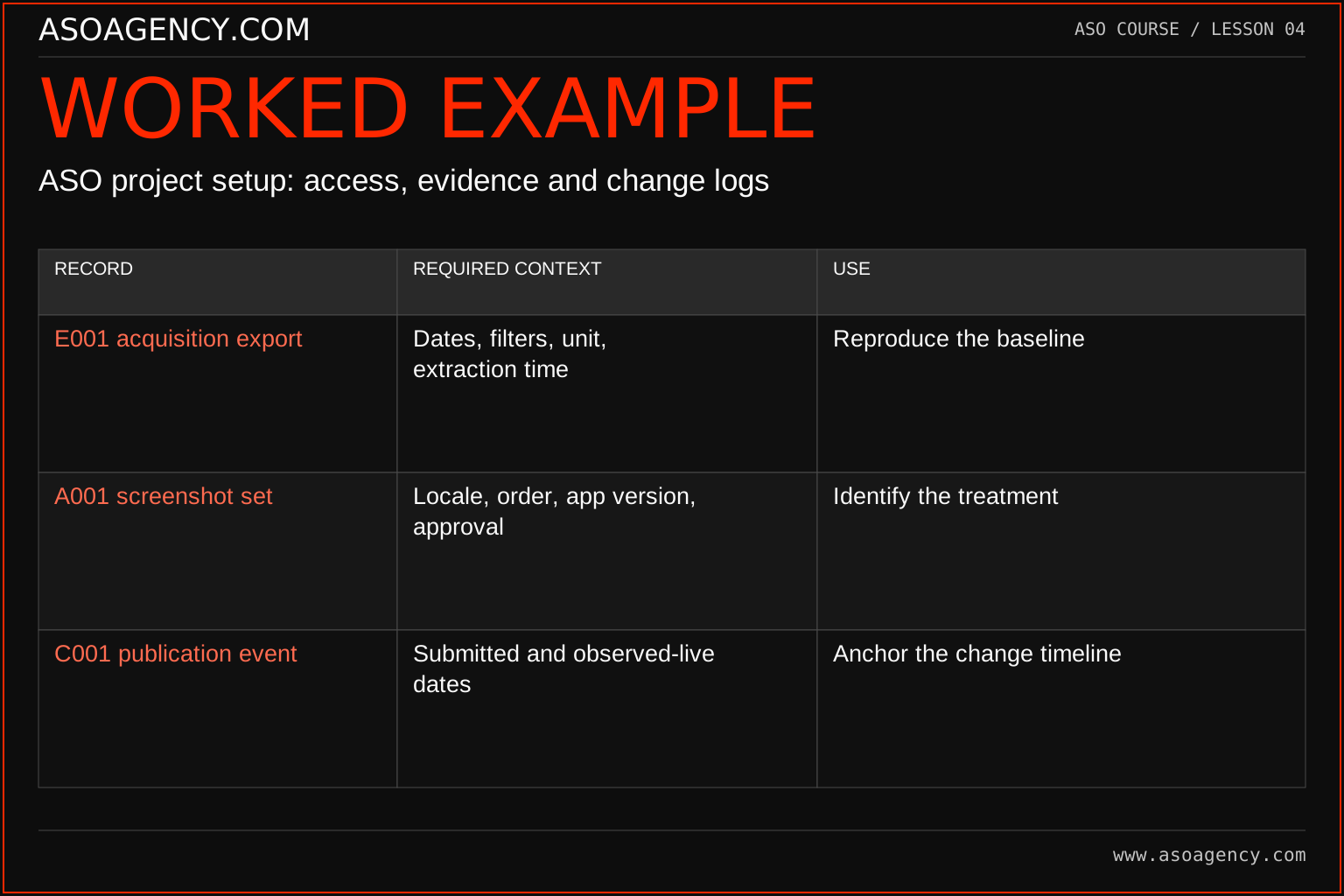
| Record | Required context | Use |
|---|---|---|
| E001 acquisition export | Dates, filters, unit, extraction time | Reproduce the baseline |
| A001 screenshot set | Locale, order, app version, approval | Identify the treatment |
| C001 publication event | Submitted and observed-live dates | Anchor the change timeline |
Suppose A001 was approved on 4 October, submitted on 5 October and observed live on 7 October. Treating 4 October as the start of exposure would misclassify several days. If the exact live time is unknown, record an interval between the last old observation and first new observation. That uncertainty should remain in the later analysis. Evidence discipline does not require perfect records; it requires preserving what is known and preventing a guessed timestamp from becoming a fact.
Build a handover someone can use
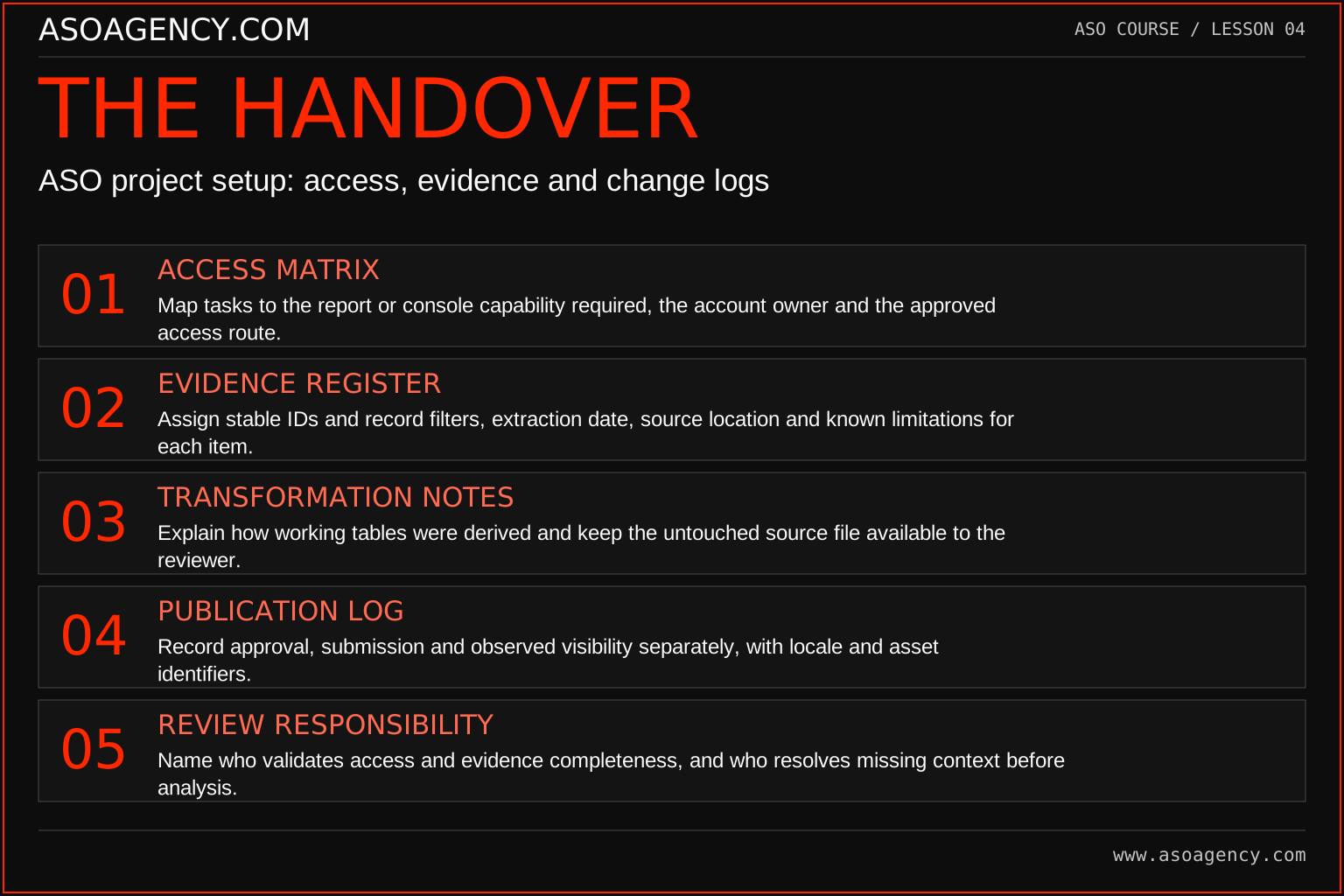
Access matrix
Map tasks to the report or console capability required, the account owner and the approved access route.
Evidence register
Assign stable IDs and record filters, extraction date, source location and known limitations for each item.
Transformation notes
Explain how working tables were derived and keep the untouched source file available to the reviewer.
Publication log
Record approval, submission and observed visibility separately, with locale and asset identifiers.
Review responsibility
Name who validates access and evidence completeness, and who resolves missing context before analysis.
Your ASO assignment
Use your own app and evidence, or work through the teaching case. Keep your observations separate from assumptions and explain the reasoning behind your decisions.
- Build a minimum-access request with no password-sharing request.
- Create the evidence folder structure and a report-context template.
- Record one past change with all known dates and unknowns.
Scenario challenge
You receive a cropped dashboard image labeled “last month.” Draft a precise evidence request that asks for the app, metric definition, absolute counts, dates, time zone, market and source filters. Explain which conclusions you can still make if only the screenshot is available.
Assess your work
- Every saved report carries its filters and observation period.
- Original data can be distinguished from transformed analysis.
- A reviewer can identify who approved and published a change.
Common mistakes to catch
- Editing the only copy of an export.
- Storing personal customer information in a shared ASO worksheet unnecessarily.
Knowledge check
A screenshot has a result but no filters. Can it support a market-specific recommendation?
Read the answer and reasoning
It can prompt a question, but it cannot establish that market’s performance. Request the underlying report with context or label the limitation and narrow the recommendation. Do not add precision by inferring missing filters from the chart’s appearance.
Sources and further reading
Platform references reviewed 29 September 2026. These sources support platform capabilities and constraints; the teaching frameworks, assignments and illustrative cases are original course material.
- Apple — Role permissions — Current capabilities associated with account roles.
- Google Play — Understand and grow your user base — Current listing-click reporting, completed acquisitions and segmentation.
Your ASO lesson notes
Use this space for your assignment, evidence and handover. Select Save to keep a draft in this browser, or download a copy to take with you.
Notes stay on this device and are not submitted to ASO Agency.
Complete your assignment with the Interactive ASO audit checklist.
Loading your progress…
Progress is saved only in this browser. It does not sync across devices. Mark a lesson complete after doing its exercise.