ASO course · lesson 32 of 60
App store screenshot optimization: build a storyboard
Create a coherent sequence that introduces the value, demonstrates it and resolves key objections.
By Gabriel Machuret · Editorial methodology
Before you start: The creative strategy and current product screens.
Module 6: Creative strategy and production
Plan about 50 minutes for reading, practice and review
You will produce: A numbered screenshot storyboard with captions, proof screens and approval notes.
Understand the decision
Give the opening a clear job
The opening assets should help someone recognize the product and its relevance quickly. There is no universal first-frame formula for every app and store context. Choose the most important audience question, then answer it with a short claim and appropriate proof. Do not assume every visitor sees all screenshots or views them in the same presentation.
Build a sequence, not a poster collection
Each subsequent frame should add information: how the workflow works, what makes it useful, how a concern is resolved or which additional capability matters. Repeating the same benefit in five visual styles wastes explanatory space. Outline the sequence in words first so the logic can be reviewed without polished design distracting from gaps.
Keep the story connected to onboarding
A screenshot promise should lead to a recognizable first-use action. If a frame emphasizes exporting memories but export is difficult to discover, coordinate with the product team. Do not use store assets to promise an effortless experience the app cannot deliver. The storyboard is a useful handoff between marketing, design and product, not simply a collection of advertising captions.
Apply the method in practice
Give every frame a distinct job
Start with the core outcome, then demonstrate the workflow and answer important objections. Do not repeat the same benefit with different decorative backgrounds across every screenshot. A useful sequence might show the saved journal, adding photos and finding past entries. Record the user question each frame answers and the product screen that proves it. The sequence is a teaching aid for the visitor, but people may not view every image or view them in the order you intend.
Make the opening understandable on its own
The first visible assets must establish the task without relying on a later clarification. Inspect the actual store surfaces and preview context for the chosen device and orientation. Keep captions concise and place meaningful proof where it remains legible at small size. A panoramic composition spread across several frames may look attractive in a design tool while making the first image confusing alone. Review individual frames and the sequence, because both are real viewing conditions.
Plan localization and revisions in the storyboard
Give each frame an asset ID, caption, UI source, locale notes and claim approval. Leave space for natural text expansion and avoid baking important copy into an uneditable product capture. If a feature changes, the storyboard should reveal which frames need replacement. When preparing a test, specify whether only the opening frame changes or the entire sequence changes. The resulting inference applies to the treatment actually tested, not to every individual design decision inside it.
Platform references for this work: Apple — Creating your product page · Google Play — Add preview assets
Your step-by-step procedure
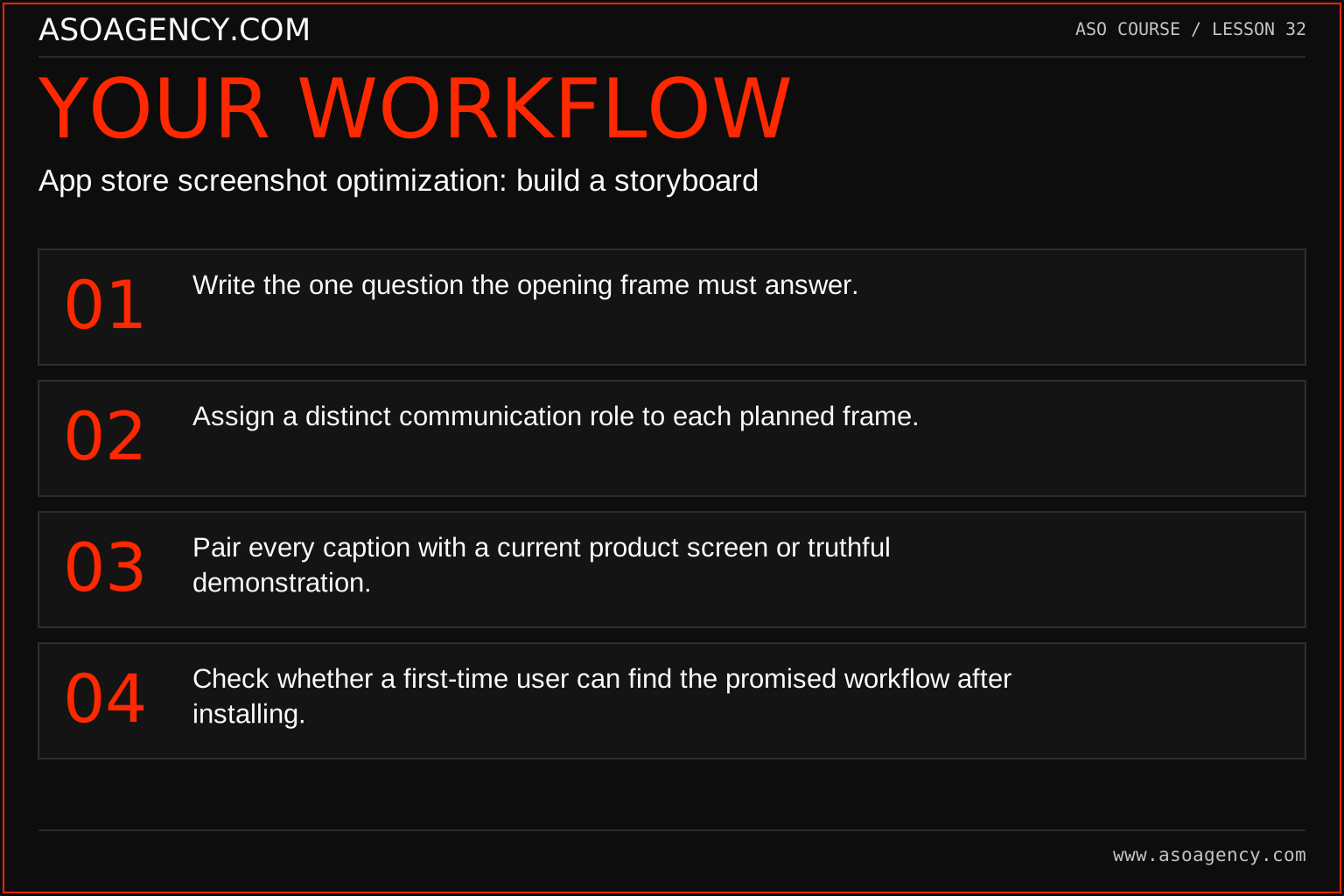
- Write the one question the opening frame must answer.
- Assign a distinct communication role to each planned frame.
- Pair every caption with a current product screen or truthful demonstration.
- Check whether a first-time user can find the promised workflow after installing.
Worked example and interpretation
Trail Notes and numerical research scenarios are fictional teaching examples. Platform limits, where shown, come from the linked official references.
Trail Notes’ five-frame storyboard is: recognize the journal use case; capture a memory; organize entries into a trip; revisit the timeline; explain export access. Each frame has a caption and a named product screen. The paid export condition is reviewed explicitly. A duplicate “save memories” poster is removed because it adds no new decision-helping information.
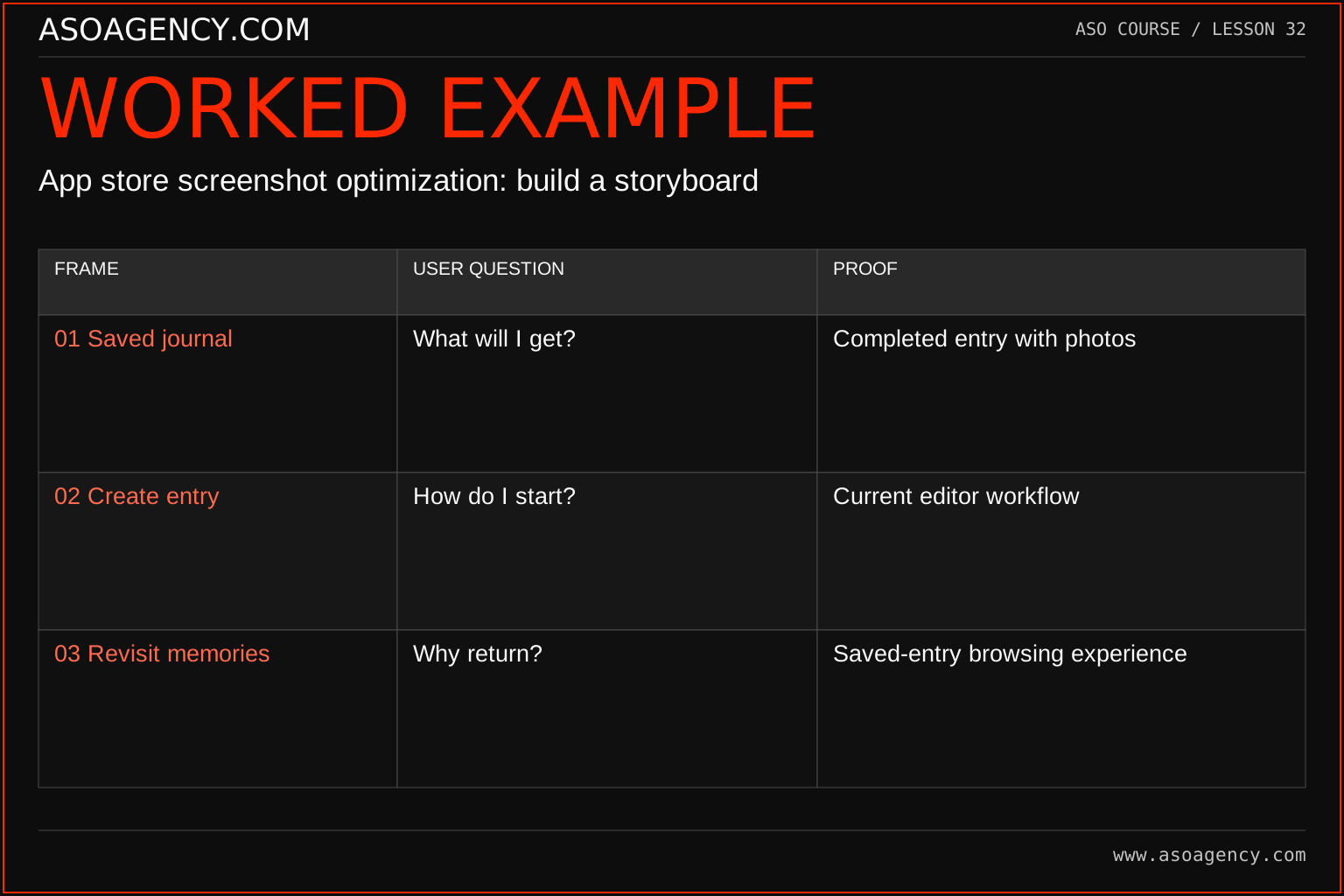
| Frame | User question | Proof |
|---|---|---|
| 01 Saved journal | What will I get? | Completed entry with photos |
| 02 Create entry | How do I start? | Current editor workflow |
| 03 Revisit memories | Why return? | Saved-entry browsing experience |
This is a fictional storyboard, not a universal three-frame rule. A different product may need another sequence or more explanation. Each frame earns its place by answering a distinct question. Before production, verify that the depicted screens exist and that any conditions are accurate. The storyboard helps a designer build a coherent pack while giving reviewers a concrete reason to approve or revise each frame.
Build a handover someone can use
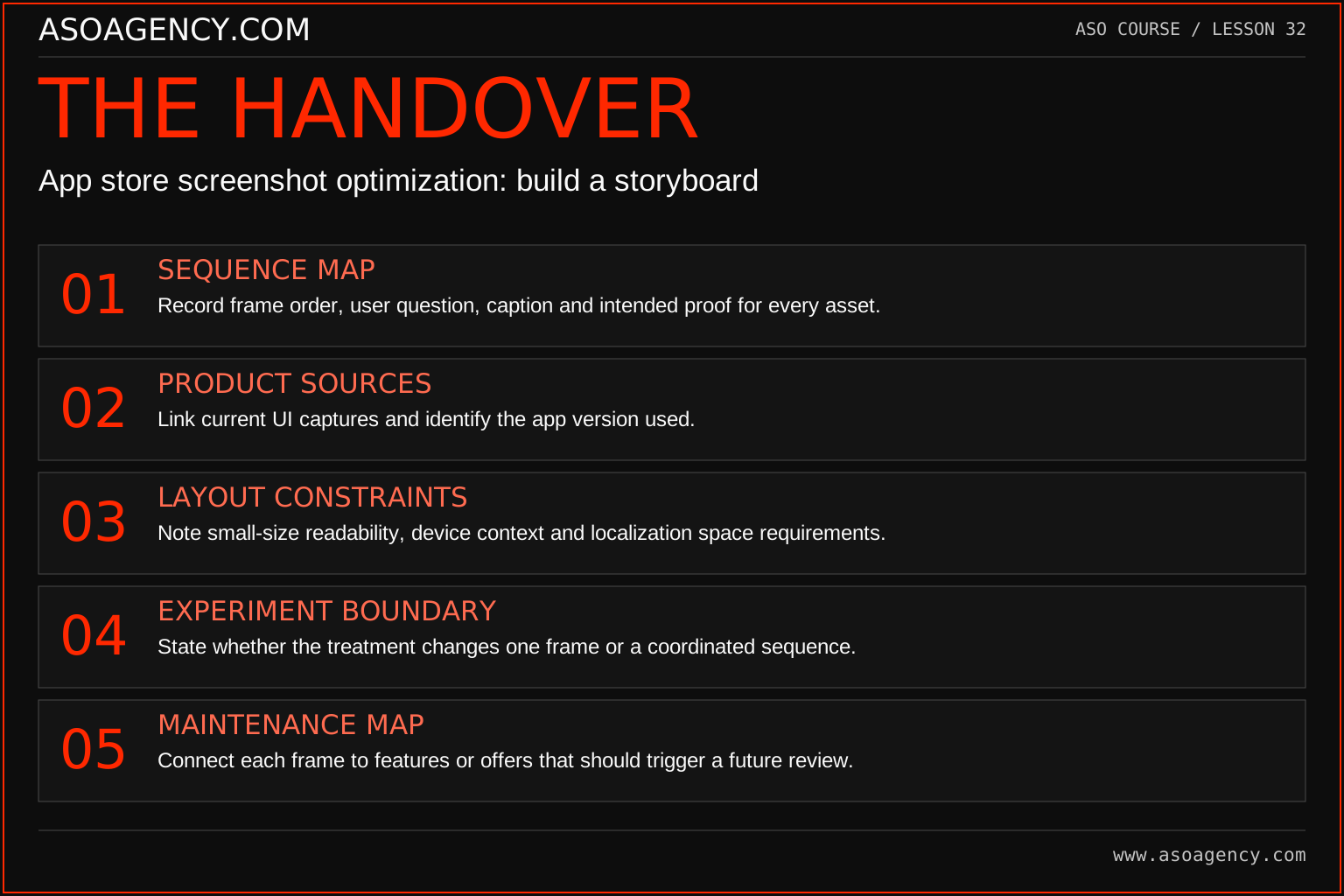
Sequence map
Record frame order, user question, caption and intended proof for every asset.
Product sources
Link current UI captures and identify the app version used.
Layout constraints
Note small-size readability, device context and localization space requirements.
Experiment boundary
State whether the treatment changes one frame or a coordinated sequence.
Maintenance map
Connect each frame to features or offers that should trigger a future review.
Your ASO assignment
Use your own app and evidence, or work through the teaching case. Keep your observations separate from assumptions and explain the reasoning behind your decisions.
- Write a five-frame storyboard before opening a design tool.
- Identify the role and proof for every frame.
- Explain how the first two frames differ from the later explanatory frames.
Scenario challenge
A six-frame sequence repeats “Explore more” in every caption. Rewrite the storyboard around six distinct user questions, then explain which three are essential to the opening promise and which may be unnecessary.
Assess your work
- Every frame adds useful information.
- The opening communicates a supported product identity.
- The sequence matches the actual product journey and commercial conditions.
Common mistakes to catch
- Designing each frame independently with no information sequence.
- Assuming a universal screenshot order guarantees higher conversion.
Knowledge check
Two adjacent frames make the same claim. How should you decide whether both belong?
Read the answer and reasoning
Ask whether they answer distinct audience questions or provide materially different proof. If not, combine or replace one with information that resolves a meaningful uncertainty. Preserve repetition only when there is a clear communication reason, not because another app uses the same number of frames.
Sources and further reading
Platform references reviewed 29 September 2026. These sources support platform capabilities and constraints; the teaching frameworks, assignments and illustrative cases are original course material.
- Apple — Creating your product page — Product-page fields and presentation guidance.
- Google Play — Add preview assets — Icons, feature graphics, screenshots and video requirements.
Your ASO lesson notes
Use this space for your assignment, evidence and handover. Select Save to keep a draft in this browser, or download a copy to take with you.
Notes stay on this device and are not submitted to ASO Agency.
Complete your assignment with the ASO experiment planner.
Loading your progress…
Progress is saved only in this browser. It does not sync across devices. Mark a lesson complete after doing its exercise.