ASO course · lesson 20 of 60
App Store name and subtitle optimization
Create several accurate title/subtitle pairs and select one using explicit communication criteria.
By Gabriel Machuret · Editorial methodology
Before you start: The iOS production brief and primary intent cluster.
Module 4: Apple App Store execution
Plan about 50 minutes for reading, practice and review
You will produce: A selected name/subtitle pair with alternatives and a comprehension rationale.
Understand the decision
Use the pair as a short explanation
The name should retain recognizable identity while helping a new visitor understand the product. The subtitle can add a distinct benefit or use case. Apple currently allows 30 characters for each; verify the final values in the console. The task is not to insert every candidate phrase, but to make the most useful truthful meaning survive a small amount of space.
Generate alternatives with different emphasis
Write an identity-led, a use-case-led and a benefit-led pair. Compare what each makes a visitor expect. Do not judge alternatives solely by keyword count. Ask whether the language is understandable without prior brand knowledge, whether the benefit is supported and whether it leaves room for the app’s distinctive identity. Preserve rejected drafts with the reason they lost.
Check the surrounding experience
A short phrase can become ambiguous in context. Read it alongside the icon and first screenshot, and compare it with the actual first-use flow. Test comprehension with people unfamiliar with the app using neutral questions. A small qualitative check helps identify confusion; it does not establish which title will generate a statistically reliable conversion uplift.
Apply the method in practice
Make the app understandable before maximizing coverage
Draft the name around brand and a recognizable task. Use the subtitle to add a benefit or useful distinction rather than repeating the same concept in slightly different words. Apple's current product-page guidance gives both fields a 30-character limit. That constraint makes prioritization necessary, but it does not make every available character equally valuable. A shorter clear phrase can be stronger than a full field of disconnected terms. Evaluate the visible combination as something a person must understand quickly.
Compare candidates with a consistent question
Write several alternatives and assess each for product accuracy, intended audience, natural language and concept coverage. Ask a new reader what they expect the app to do; avoid asking only which version they like. If respondents infer navigation from a journal listing, identify which word or visual caused it. Keep the test qualitative unless you have a design that supports quantitative inference. The purpose of this review is to catch misunderstandings before publication, not to claim a statistically proven winner from a few opinions.
Approve exact strings and their consequences
Count spaces and punctuation in the actual final text. A branded colon or a changed apostrophe can affect length and rendering. Recheck localization separately. After approving the name and subtitle, review the keyword field for redundant words under Apple's search guidance. Keep the original candidate set and reasons for rejection so the next reviewer understands the tradeoff. A title change is a communication decision with dependencies, not merely a cell in a spreadsheet.
Platform references for this work: Apple — Creating your product page · Apple — App Store search
Your step-by-step procedure
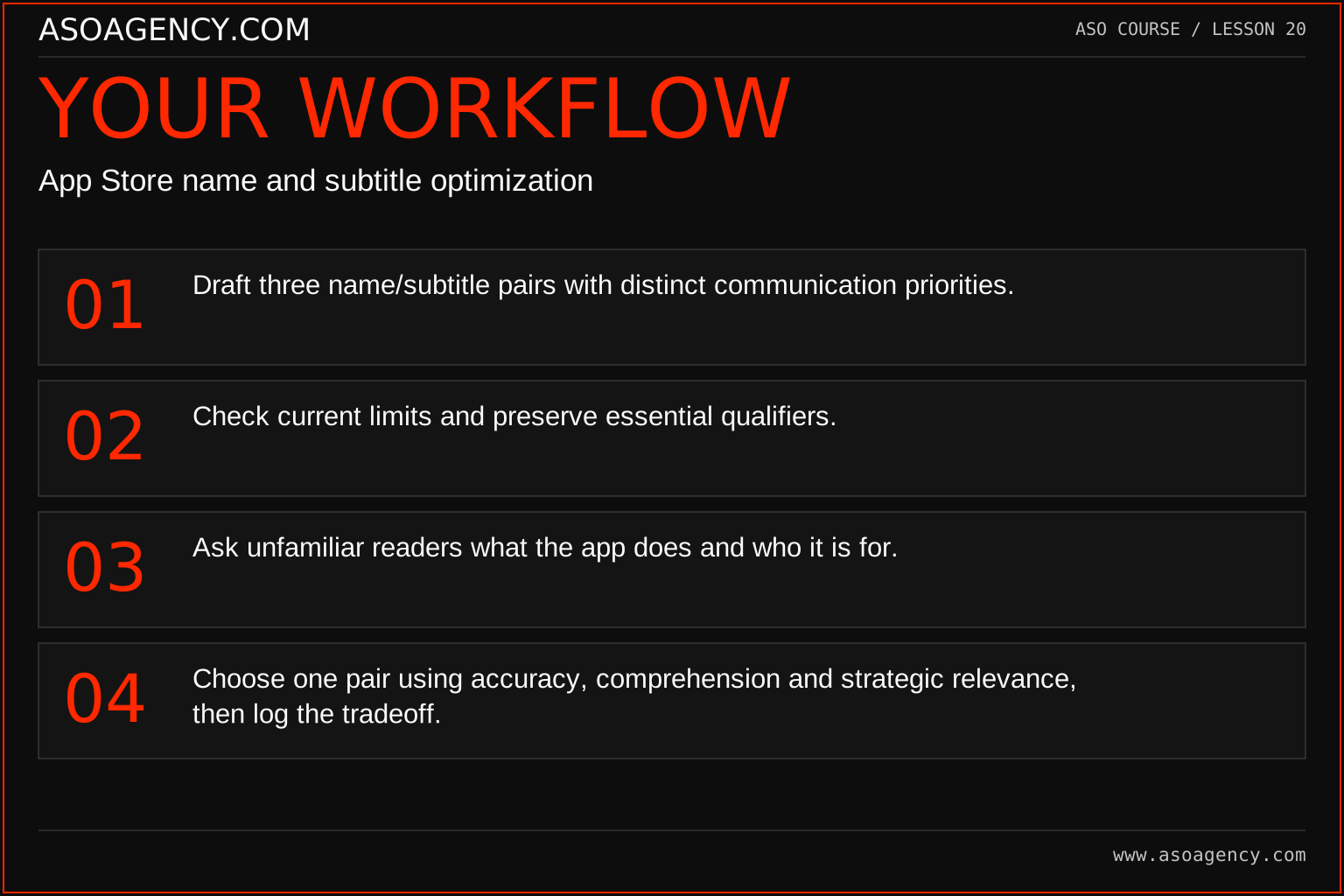
- Draft three name/subtitle pairs with distinct communication priorities.
- Check current limits and preserve essential qualifiers.
- Ask unfamiliar readers what the app does and who it is for.
- Choose one pair using accuracy, comprehension and strategic relevance, then log the tradeoff.
Worked example and interpretation
Trail Notes and numerical research scenarios are fictional teaching examples. Platform limits, where shown, come from the linked official references.
“Trail Notes: Hiking Journal” and “Keep your walking memories” form an illustrative pair. The first explains identity; the second expands the personal-memory use case. A competing draft, “Trail Notes: GPS Navigator,” suggests unsupported directions and is rejected before testing. The decision is about product truth, not which phrase happens to contain more popular tokens.
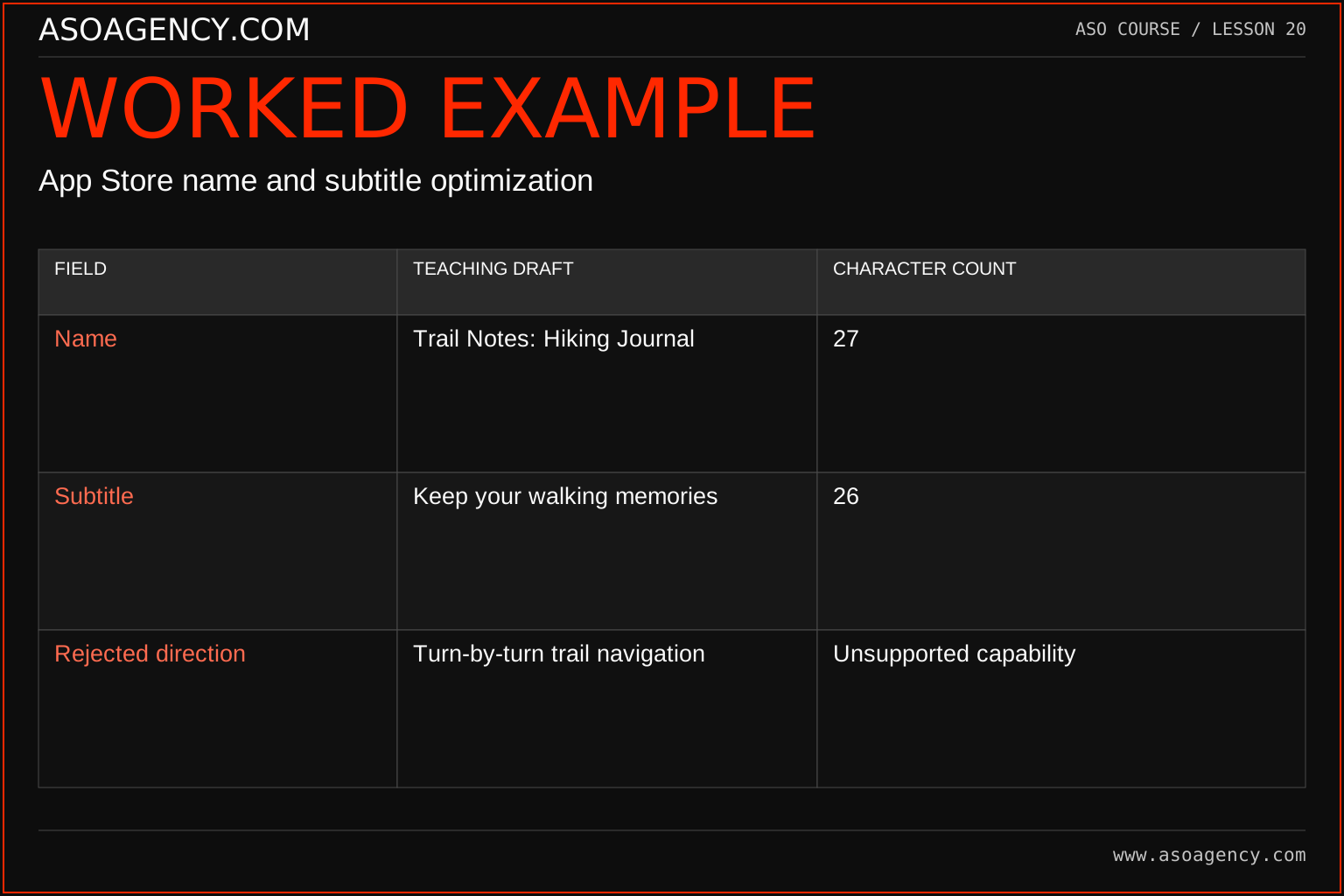
| Field | Teaching draft | Character count |
|---|---|---|
| Name | Trail Notes: Hiking Journal | 27 |
| Subtitle | Keep your walking memories | 26 |
| Rejected direction | Turn-by-turn trail navigation | Unsupported capability |
The approved teaching strings describe journaling and remembering walks without implying directions. They are examples to evaluate, not proven ranking winners. Their counts include spaces and punctuation. A name that fits within 30 characters still needs brand, claim and local-language review. The rejected direction demonstrates why a technically fitting phrase can be strategically and factually unsuitable. Keep that exclusion available to screenshot and campaign writers as well.
Build a handover someone can use
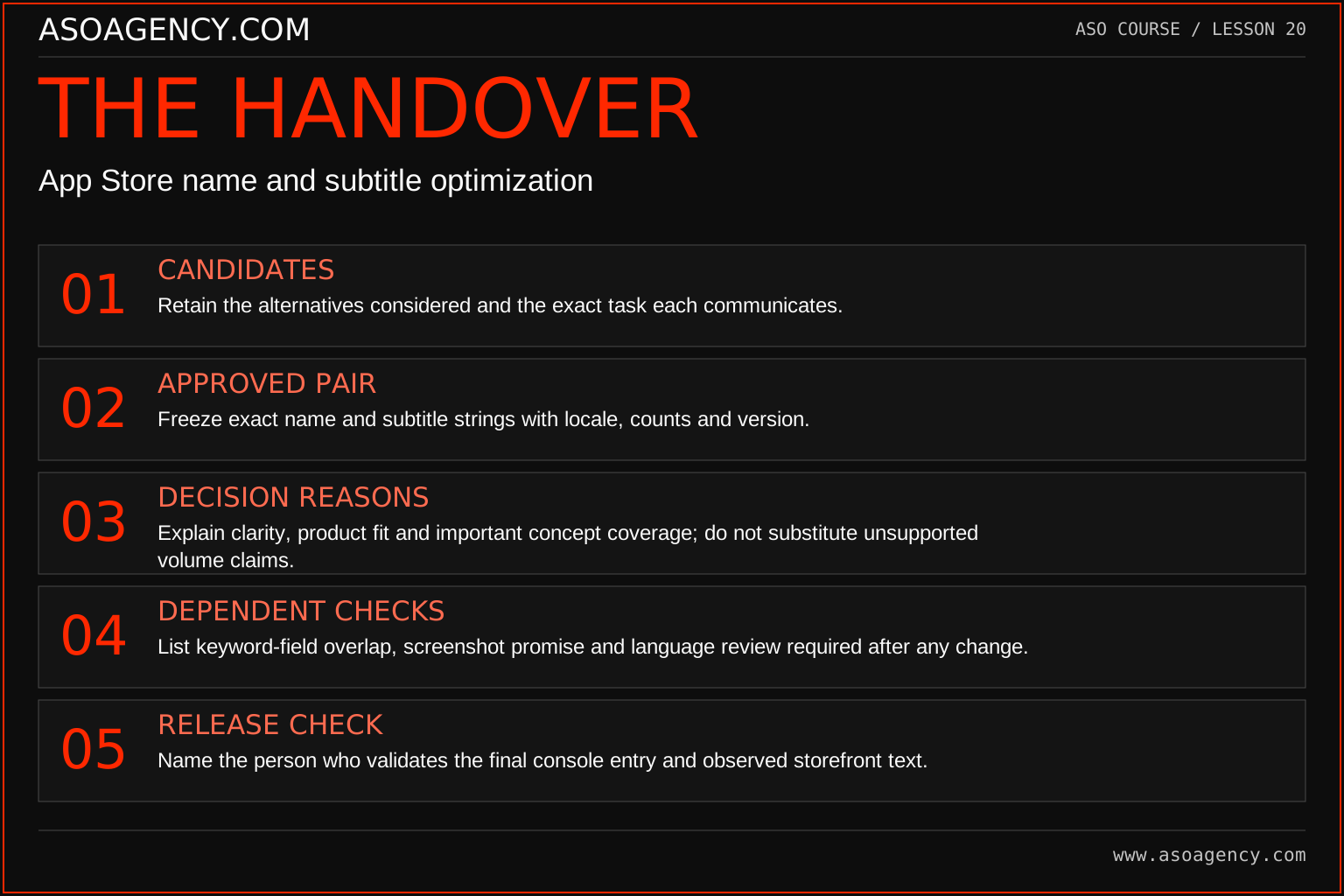
Candidates
Retain the alternatives considered and the exact task each communicates.
Approved pair
Freeze exact name and subtitle strings with locale, counts and version.
Decision reasons
Explain clarity, product fit and important concept coverage; do not substitute unsupported volume claims.
Dependent checks
List keyword-field overlap, screenshot promise and language review required after any change.
Release check
Name the person who validates the final console entry and observed storefront text.
Your ASO assignment
Use your own app and evidence, or work through the teaching case. Keep your observations separate from assumptions and explain the reasoning behind your decisions.
- Write three pairs for your app and count each field.
- Record likely expectations created by every alternative.
- Choose a pair and explain one meaningful phrase you left out.
Scenario challenge
A stakeholder adds “GPS” to the name because it attracts attention. Show how to evaluate the implied capability, the remaining space and the effect on the overall promise before accepting the edit.
Assess your work
- The product remains recognizable.
- The subtitle adds useful meaning rather than empty repetition.
- No unsupported capability is implied by compressed wording.
Common mistakes to catch
- Using punctuation to cram unrelated product categories into the name.
- Treating a small comprehension interview as a conversion experiment.
Knowledge check
One draft attracts more attention but users describe the wrong product. Which evidence matters first?
Read the answer and reasoning
Resolve the expectation mismatch before optimizing attention. A memorable but misleading identity can acquire the wrong audience. Keep the attention insight as a creative observation, then develop an accurate alternative and evaluate it with an appropriate method.
Sources and further reading
Platform references reviewed 29 September 2026. These sources support platform capabilities and constraints; the teaching frameworks, assignments and illustrative cases are original course material.
- Apple — Creating your product page — Product-page fields and presentation guidance.
- Apple — App Store search — Search presentation, relevant keywords and metadata guidance.
Your ASO lesson notes
Use this space for your assignment, evidence and handover. Select Save to keep a draft in this browser, or download a copy to take with you.
Notes stay on this device and are not submitted to ASO Agency.
Complete your assignment with the App store metadata checker.
Loading your progress…
Progress is saved only in this browser. It does not sync across devices. Mark a lesson complete after doing its exercise.