ASO course · lesson 19 of 60
App Store metadata optimization: build your iOS brief
Convert the keyword strategy into a coordinated copy brief with traceable approvals.
By Gabriel Machuret · Editorial methodology
Before you start: A keyword allocation plan, product truth sheet and current iOS listing.
Module 4: Apple App Store execution
Plan about 50 minutes for reading, practice and review
You will produce: An iOS copy-production brief with live baseline, draft fields, claim checks and owners.
Understand the decision
Start with a field inventory
Record the current name, subtitle, keyword field, promotional text and description for the chosen localization. Preserve the live version separately from drafts. Add the primary job of each field and its intended reader. The copy brief should explain the product’s identity, the supported benefits and the boundaries of the promise before asking anyone to shorten text.
Distinguish requirements from editorial advice
Submission limits are platform constraints; clarity, sequencing and tone are editorial decisions. Mark each separately so a reviewer knows whether a change is mandatory or a hypothesis. Check current Apple references and the console for editable fields and release dependencies. Avoid assigning undocumented ranking weights to fields merely to make the brief sound more scientific.
Create one source of approval
Use version identifiers and a designated approval owner. Keep legal or product qualifications beside the relevant claim rather than in an email someone may miss. Drafts should include why important wording changed, especially when it removes an old promise. A consolidated pack reduces the chance that a publisher combines an approved title with an obsolete screenshot or description.
Apply the method in practice
Freeze the product truth before writing
Gather the current feature list, pricing conditions, supported languages and important limitations. Ask the product owner to approve claims that are easy to overstate, such as offline use, privacy or unlimited storage. Keep roadmap capabilities separate from released behavior. The brief should connect each important promise to a screen or workflow that demonstrates it. This prevents a copywriter from treating an enthusiastic stakeholder description as verified functionality. If a claim remains unresolved, give it an owner and keep it out of approved copy until the uncertainty is resolved.
Specify every production field and responsibility
List the target platform, locale, name, subtitle, keyword field, description, promotional text and relevant assets. Record current values and proposed values separately. The brief should say which fields are in scope and which depend on an app version or console state. Assign the writer, product reviewer, language reviewer and publisher. One person may hold several roles, but the decisions remain distinct. Include current platform references instead of relying on a screenshot of limits copied from an old project.
Review the listing as one promise
Read the proposed name, subtitle, first screenshot and opening description together. Ask someone unfamiliar with the app to explain the expected task and any conditions. Conflicting messages are not resolved by passing field counts. If the title promises a journal but the first image resembles navigation, investigate that ambiguity. Save approved exact strings in a controlled version, then recheck dependent fields after any edit. The production brief is complete when another authorized person can prepare the listing without inventing missing decisions.
Platform references for this work: Apple — Platform version information · Apple — Creating your product page
Your step-by-step procedure
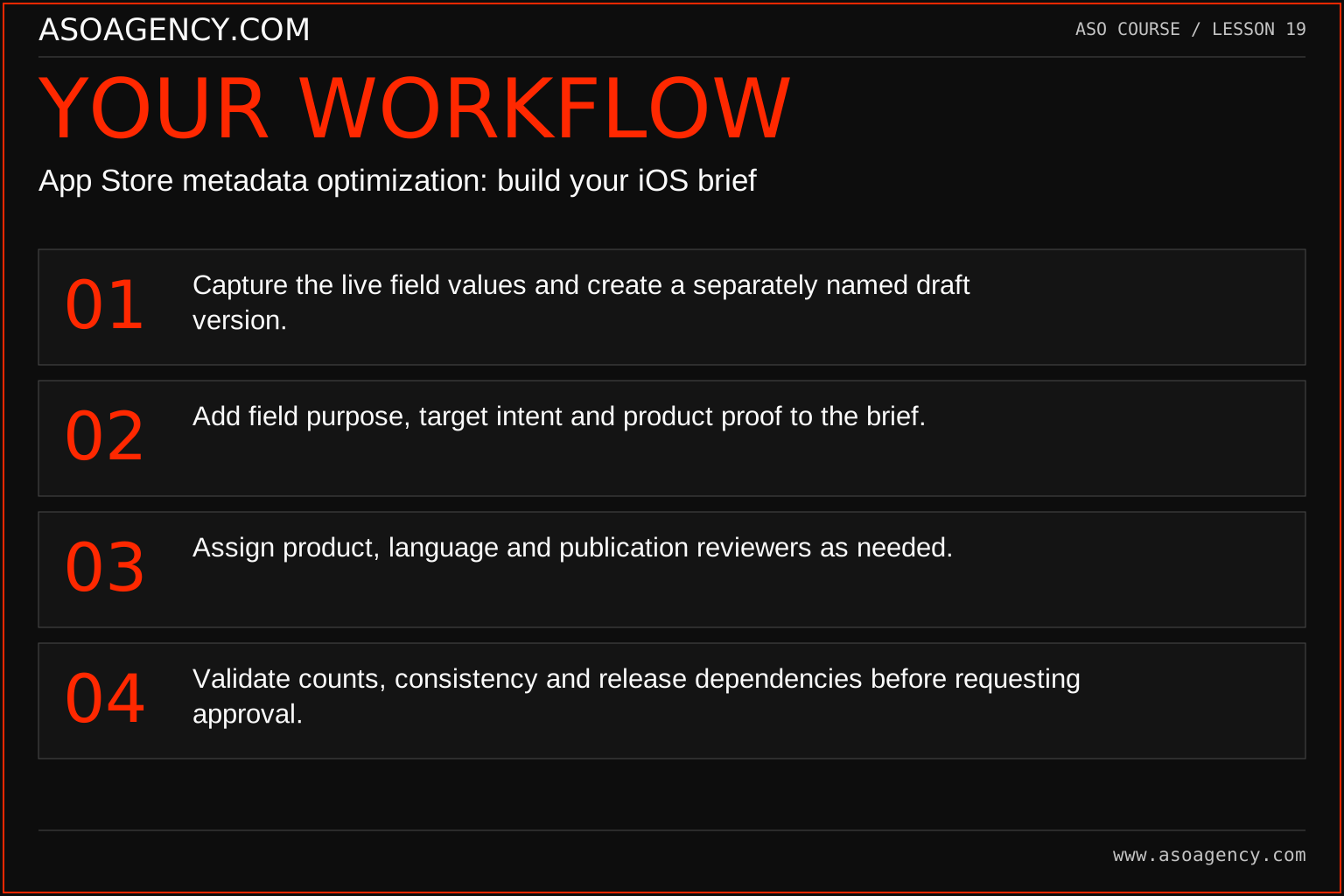
- Capture the live field values and create a separately named draft version.
- Add field purpose, target intent and product proof to the brief.
- Assign product, language and publication reviewers as needed.
- Validate counts, consistency and release dependencies before requesting approval.
Worked example and interpretation
Trail Notes and numerical research scenarios are fictional teaching examples. Platform limits, where shown, come from the linked official references.
Trail Notes prepares an iOS copy pack for Australian English. The identity centers on hiking journals, the supporting copy explains private memories, and the description clarifies the export workflow. The old navigation implication is removed across every field. A product owner verifies the privacy wording before the publisher receives the pack; the metadata checker’s green count alone is not treated as approval.
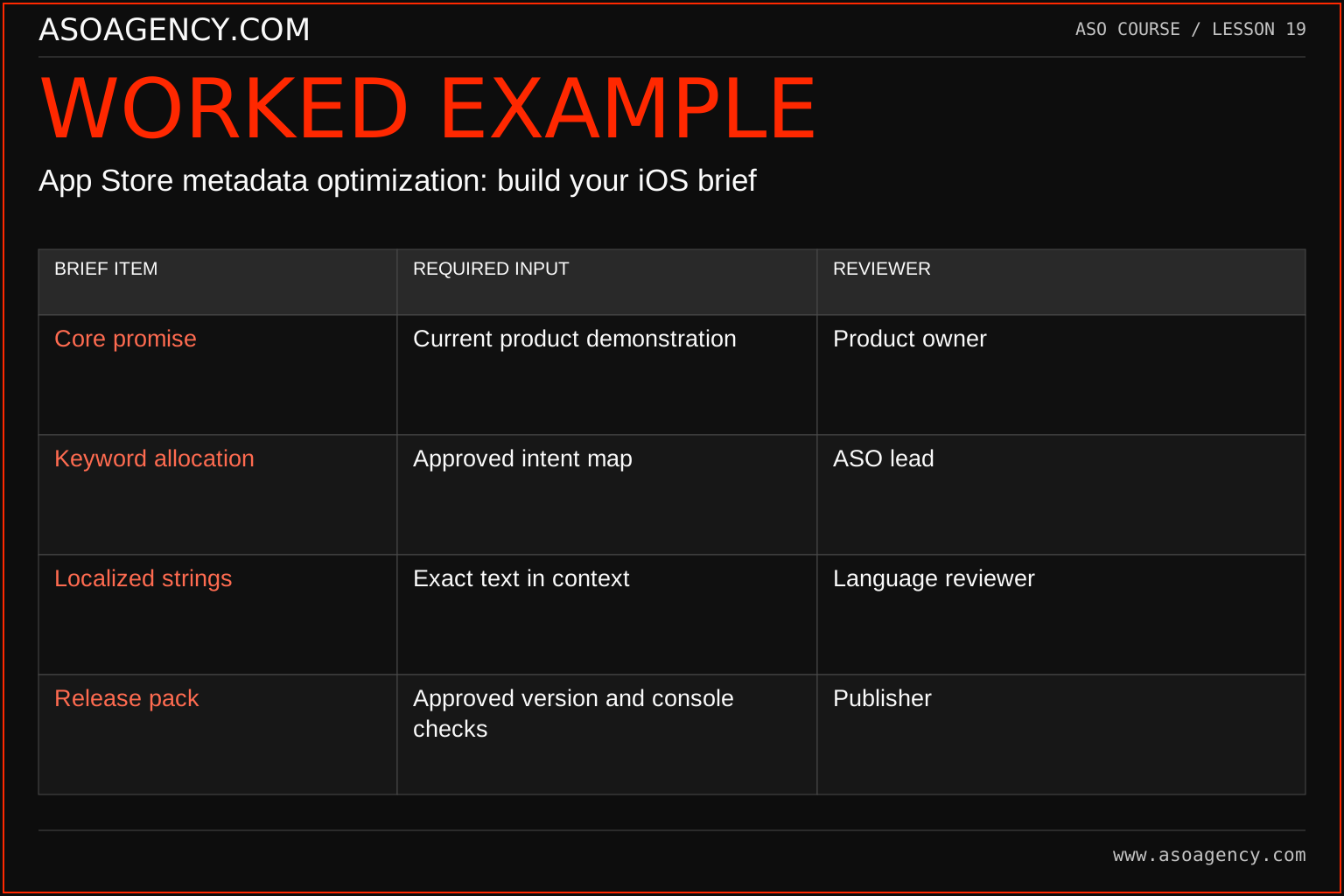
| Brief item | Required input | Reviewer |
|---|---|---|
| Core promise | Current product demonstration | Product owner |
| Keyword allocation | Approved intent map | ASO lead |
| Localized strings | Exact text in context | Language reviewer |
| Release pack | Approved version and console checks | Publisher |
A metadata pack can be technically valid and strategically inconsistent. The reviewer roles in this example protect different parts of the result: truth, intent, language and release execution. Do not assume the publisher should resolve a disputed product claim while entering fields. Return that question to the appropriate owner. A late name edit should trigger keyword-overlap and creative checks because the fields operate together.
Build a handover someone can use
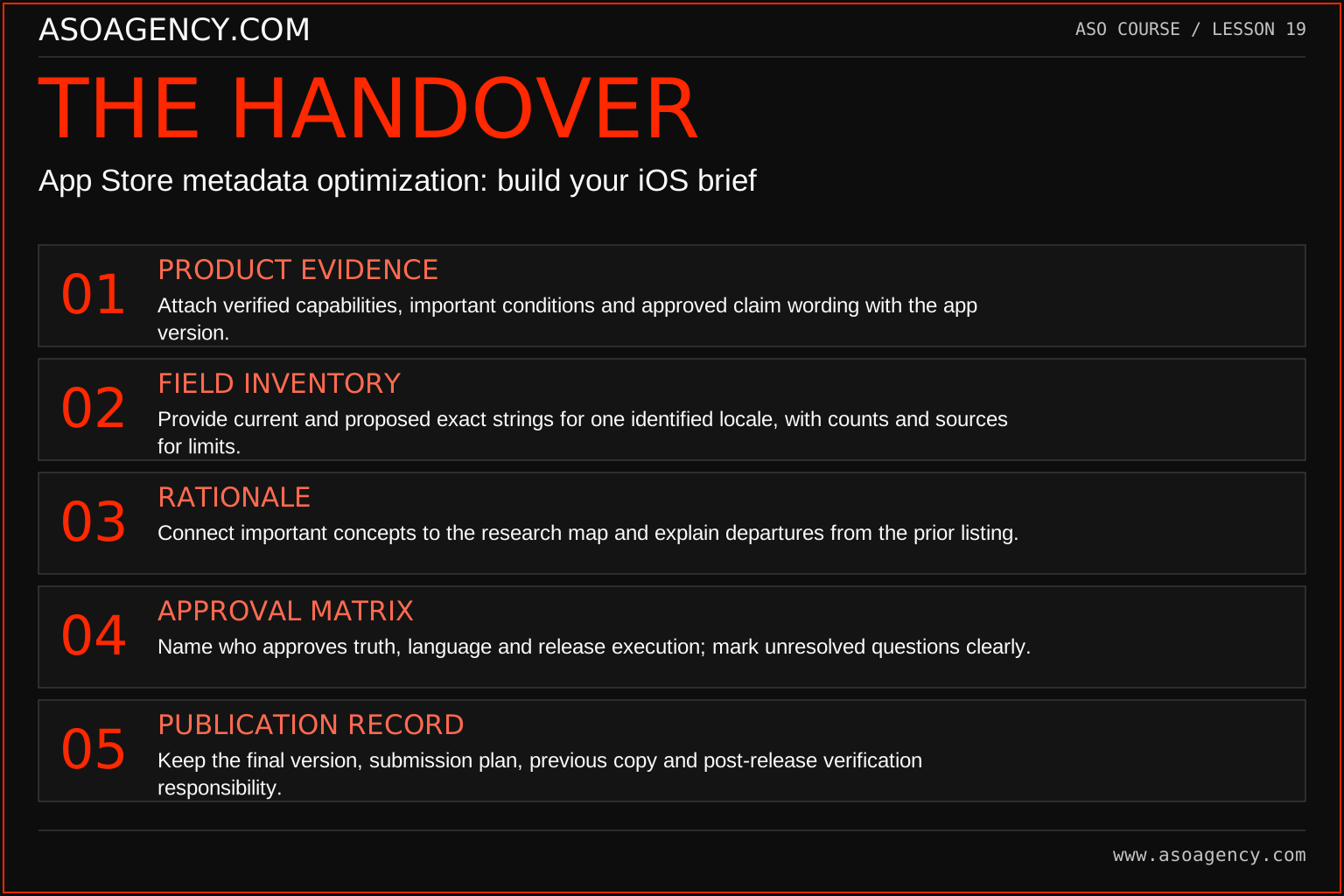
Product evidence
Attach verified capabilities, important conditions and approved claim wording with the app version.
Field inventory
Provide current and proposed exact strings for one identified locale, with counts and sources for limits.
Rationale
Connect important concepts to the research map and explain departures from the prior listing.
Approval matrix
Name who approves truth, language and release execution; mark unresolved questions clearly.
Publication record
Keep the final version, submission plan, previous copy and post-release verification responsibility.
Your ASO assignment
Use your own app and evidence, or work through the teaching case. Keep your observations separate from assumptions and explain the reasoning behind your decisions.
- Create a field-by-field copy brief for your app.
- Attach proof or a reviewer to every material product claim.
- Name the draft version and define the approval sequence.
Scenario challenge
The designer uses “offline adventures” while the product owner only confirmed that saved entries can be viewed offline. Rewrite the brief to distinguish reading saved content from creating entries or navigating without connectivity.
Assess your work
- Platform requirements and editorial recommendations are distinguishable.
- The pack contains one coherent product promise.
- A publisher can identify the approved version without interpretation.
Common mistakes to catch
- Treating a character counter as an accuracy or policy review.
- Copying draft fields from separate unversioned documents.
Knowledge check
The title fits the field but contradicts the current screenshot. Is it ready?
Read the answer and reasoning
No. Validate the listing as a connected promise. Resolve the conflicting message and obtain approval for the coordinated asset set. A field can be technically valid while the overall listing misleads or confuses the intended audience.
Sources and further reading
Platform references reviewed 29 September 2026. These sources support platform capabilities and constraints; the teaching frameworks, assignments and illustrative cases are original course material.
- Apple — Platform version information — Field definitions and submission constraints, including keyword bytes.
- Apple — Creating your product page — Product-page fields and presentation guidance.
Your ASO lesson notes
Use this space for your assignment, evidence and handover. Select Save to keep a draft in this browser, or download a copy to take with you.
Notes stay on this device and are not submitted to ASO Agency.
Complete your assignment with the App store metadata checker.
Loading your progress…
Progress is saved only in this browser. It does not sync across devices. Mark a lesson complete after doing its exercise.