ASO course · lesson 22 of 60
App Store descriptions and promotional text
Produce accurate long-form listing copy with a useful opening and visible limitations.
By Gabriel Machuret · Editorial methodology
Before you start: The approved product proposition and verified feature list.
Module 4: Apple App Store execution
Plan about 50 minutes for reading, practice and review
You will produce: An iOS description and promotional-copy draft with accuracy and maintenance checks.
Understand the decision
Structure the description around decisions
Open with the audience’s job and the product’s concrete value. Follow with supported workflows, meaningful distinctions and necessary qualifications. A feature inventory without context asks the visitor to invent the benefit. Conversely, a page of promises with no product detail gives the visitor little reason to trust the claim. Use readable sections that help someone evaluate fit.
Assign promotional text a separate purpose
Promotional copy can highlight timely relevant information, but should remain consistent with the product and commercial offer. Do not treat a promotional field as spare space for an indiscriminate keyword list. Apple’s current reference allows 170 characters for promotional text and 4,000 for description. Verify actual field constraints and editability before planning the release workflow.
Review maintenance as part of copy quality
Time-limited statements need owners and expiry checks. A polished description becomes inaccurate when a feature, price or platform capability changes. Maintain a claim register linking important sentences to the product evidence and reviewer. Before publication, test support links and compare subscription or paid-feature wording with the actual purchase experience rather than relying on an old screenshot.
Apply the method in practice
Answer the visitor's practical questions
Open with what the app helps the intended user accomplish. Then explain the workflow, meaningful benefits and conditions that could otherwise surprise them. For Trail Notes, a useful sequence is record a walk, attach memories and revisit entries. Verify any storage, sharing or payment claim before including it. The description should help someone decide whether the app fits their situation. It should not be a dumping ground for rejected keywords or a list of claims that the screenshots cannot substantiate.
Give promotional text a specific purpose
Use promotional copy for a current, relevant message that remains accurate through its planned display period. Apple's platform reference permits up to 170 characters of promotional text and 4,000 characters in the description. Treat those as maximums, not writing targets. Assign an expiry or review date to time-sensitive offers. If pricing or eligibility varies, include the important conditions in an appropriate place and coordinate with the product experience. A short message can create a large misunderstanding if it implies an offer everyone cannot access.
Edit in layers and verify after formatting
First review factual accuracy, then structure and clarity, then length and formatting. Read the opening without the rest of the page: does it establish the task? Read the conditions beside the benefit: do they change the promise materially? Preview line breaks and special characters in the actual destination. Keep a copy of the previous text and an approval record. A change to subscription conditions should trigger review of screenshots and other localized descriptions, not only the English paragraph where it was first noticed.
Platform references for this work: Apple — Platform version information · Apple — Creating your product page
Your step-by-step procedure
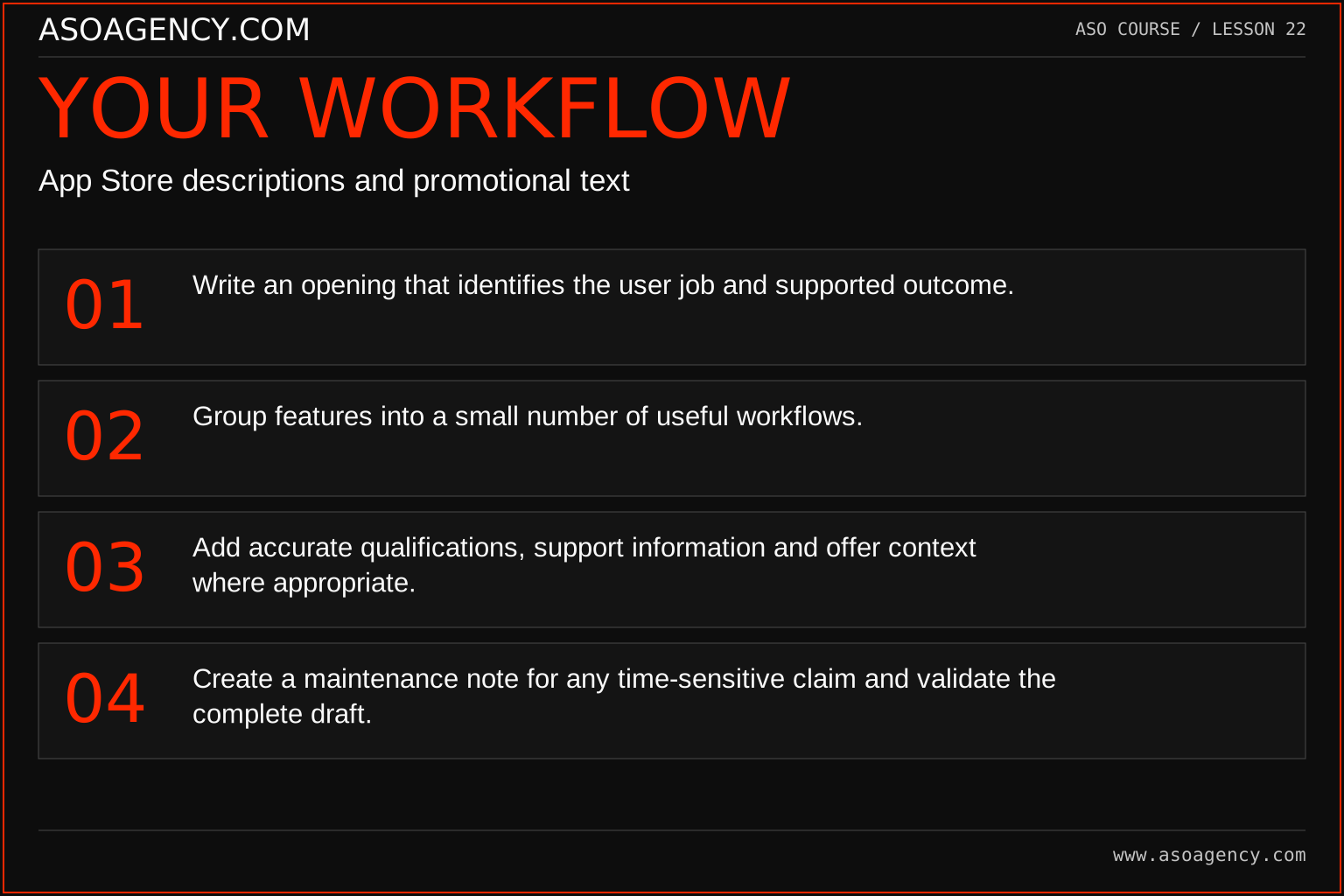
- Write an opening that identifies the user job and supported outcome.
- Group features into a small number of useful workflows.
- Add accurate qualifications, support information and offer context where appropriate.
- Create a maintenance note for any time-sensitive claim and validate the complete draft.
Worked example and interpretation
Trail Notes and numerical research scenarios are fictional teaching examples. Platform limits, where shown, come from the linked official references.
Trail Notes’ opening explains saving the story of a walk, then describes adding notes, organizing memories and exporting a journal. A paid export feature is not described as universally free. A seasonal promotional sentence is given an expiry-review date. The team avoids a generic “best hiking app” claim and instead shows what a person can actually do with the product.
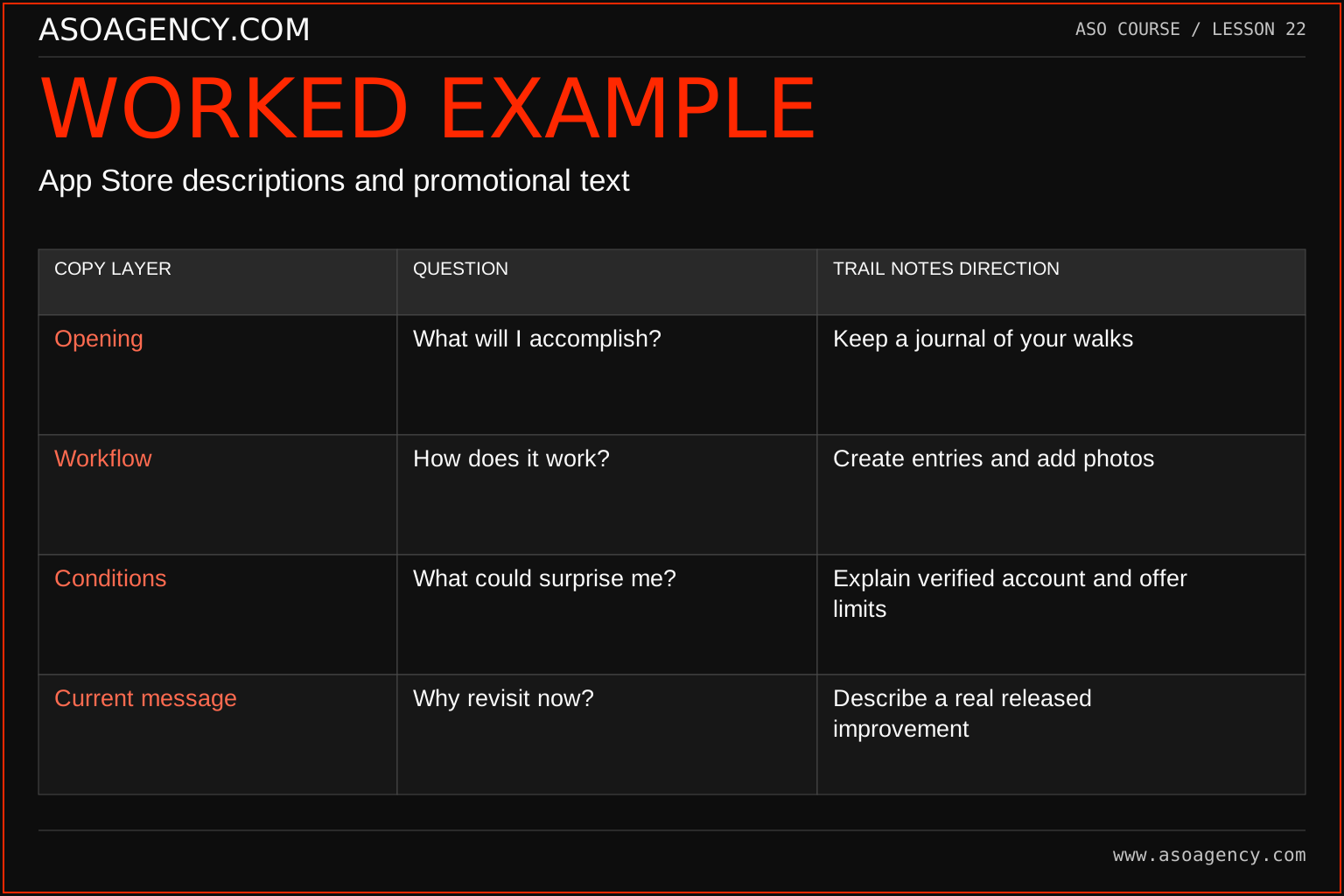
| Copy layer | Question | Trail Notes direction |
|---|---|---|
| Opening | What will I accomplish? | Keep a journal of your walks |
| Workflow | How does it work? | Create entries and add photos |
| Conditions | What could surprise me? | Explain verified account and offer limits |
| Current message | Why revisit now? | Describe a real released improvement |
The structure makes the copy useful without promising a ranking effect from any particular paragraph. A current improvement belongs in promotional text only if the product actually delivers it and the claim remains timely. The conditions row is part of persuasion through accuracy: suitable users should understand the offer before installation. If a claim cannot be verified, remove or qualify it and route the question to the product owner.
Build a handover someone can use
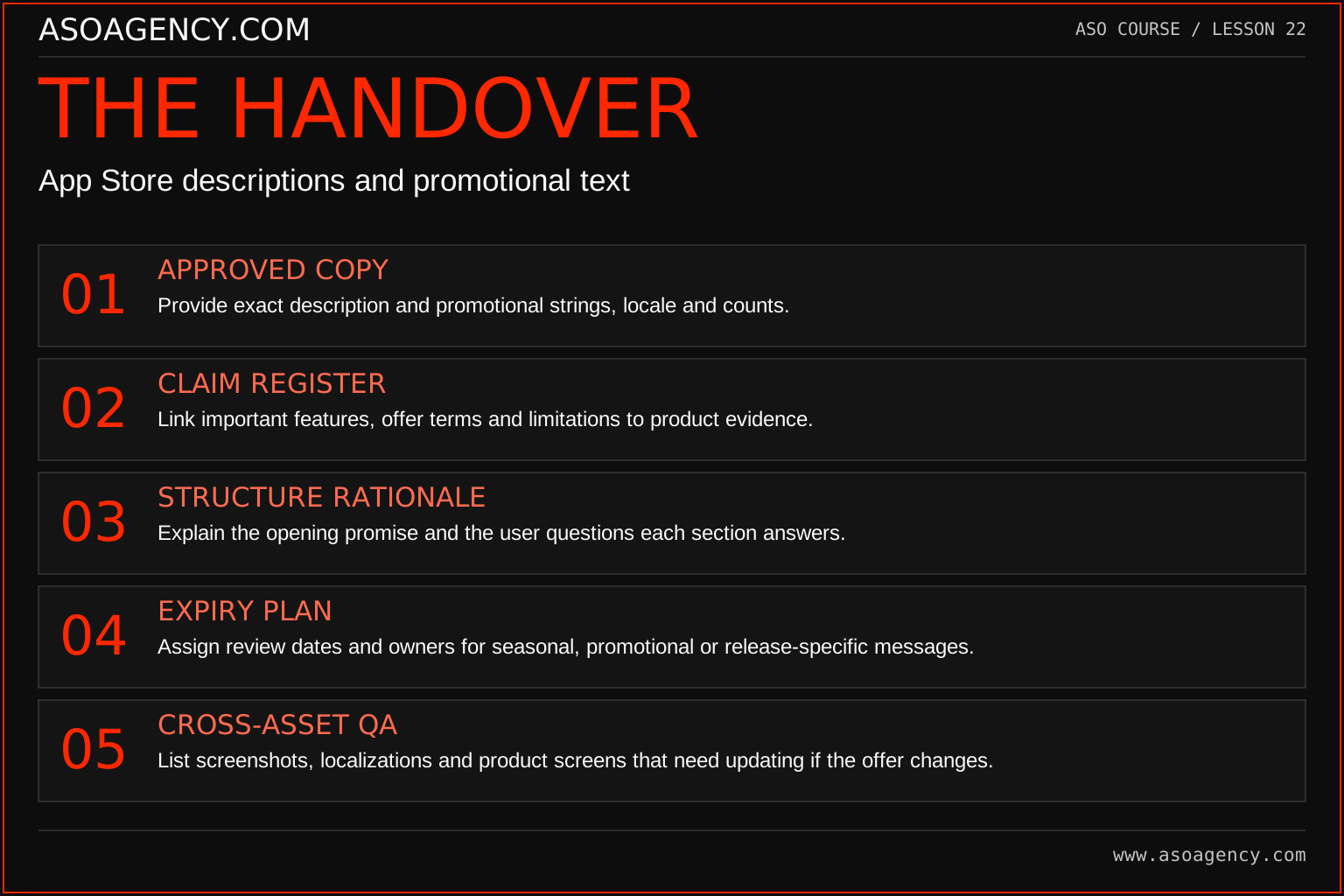
Approved copy
Provide exact description and promotional strings, locale and counts.
Claim register
Link important features, offer terms and limitations to product evidence.
Structure rationale
Explain the opening promise and the user questions each section answers.
Expiry plan
Assign review dates and owners for seasonal, promotional or release-specific messages.
Cross-asset QA
List screenshots, localizations and product screens that need updating if the offer changes.
Your ASO assignment
Use your own app and evidence, or work through the teaching case. Keep your observations separate from assumptions and explain the reasoning behind your decisions.
- Draft a 150-word opening and workflow section.
- Write one promotional message with a maintenance owner.
- Create a claim register for five material statements.
Scenario challenge
Rewrite “Unlimited adventures, completely free forever” for a product with a limited free allowance. Identify the facts you need before drafting an accurate alternative rather than inventing the allowance or price.
Assess your work
- Benefits are supported by named workflows.
- Paid or conditional capabilities are not misrepresented.
- Time-sensitive copy has an owner and review date.
Common mistakes to catch
- Publishing unsupported superlatives as if they were evidence.
- Leaving a temporary offer in the listing after its conditions change.
Knowledge check
A feature is available only on a paid plan. How should the description handle it?
Read the answer and reasoning
Explain the feature accurately and make the relevant condition clear rather than implying universal access. Check the wording against the real purchase experience and current platform requirements. The visitor should understand the product they will receive, not discover a material contradiction after installing.
Sources and further reading
Platform references reviewed 29 September 2026. These sources support platform capabilities and constraints; the teaching frameworks, assignments and illustrative cases are original course material.
- Apple — Platform version information — Field definitions and submission constraints, including keyword bytes.
- Apple — Creating your product page — Product-page fields and presentation guidance.
Your ASO lesson notes
Use this space for your assignment, evidence and handover. Select Save to keep a draft in this browser, or download a copy to take with you.
Notes stay on this device and are not submitted to ASO Agency.
Complete your assignment with the App store metadata checker.
Loading your progress…
Progress is saved only in this browser. It does not sync across devices. Mark a lesson complete after doing its exercise.